
Table of contents
5 Best HIPAA-Compliant Website Builders + Guide (2026)

Written by
Blaze Team

Reviewed by
Nanxi Liu
Expert Verified
Not every website builder meets the regulatory requirements of healthcare organizations. So, I tested 10 HIPAA-compliant website builders and selected the 5 best for user-friendliness and customization:
1. Blaze: Best for Custom Healthcare Websites and Apps
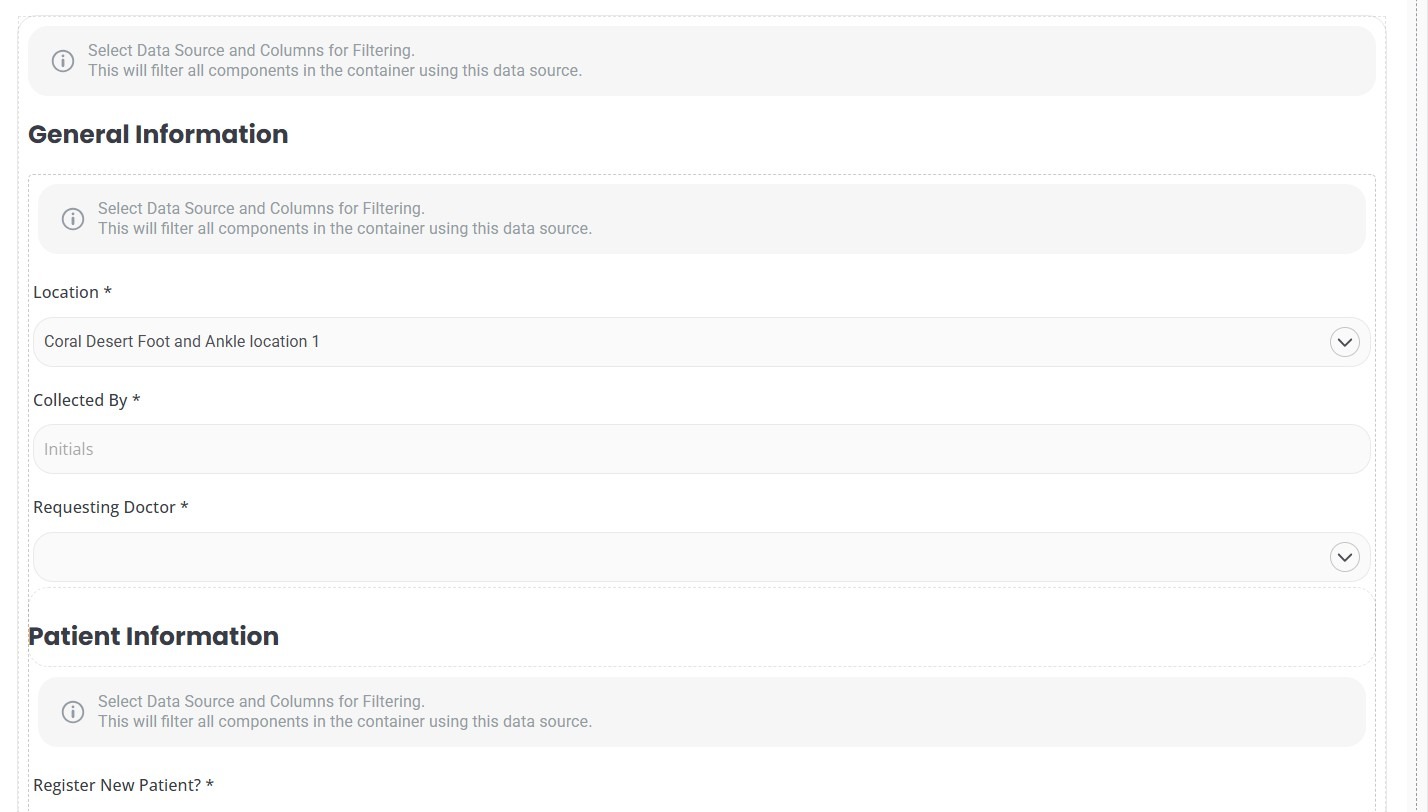
What it does: Blaze helps healthcare teams build HIPAA‑compliant websites, patient portals, billing tools, and intake workflows with a no‑code, drag‑and‑drop builder.
Who it’s for: Healthcare ops teams that need to create HIPAA-compliant PHI-handling apps with no dedicated engineering support.
I tested Blaze by building a hospital intake form that connected to a sample internal database. The drag‑and‑drop builder made it easy to map form fields to database columns. Overall, I created my app in under 30 minutes, which was much faster than traditional custom development.
Key Features
- No‑code database builder: Blaze Tables lets you customize your own database without any SQL knowledge.
- Role‑based access controls: Roles and permissions let you control who can access sensitive data.
- Integrations: Supports integrations via APIs and third‑party services so healthcare teams can connect Blaze apps to existing health systems.
Pros
✅ Scalable: Internal Apps and Enterprise plans both include unlimited apps under one subscription, so teams are not capped on the number of tools they can launch.
✅ PHI encrypted by default: Data is encrypted in transit (TLS) and at rest with AES‑256.
Cons
❌ Not ideal for simple sites: Blaze pricing caters to mid-to-large-sized organizations, not teams that only need a basic marketing site.
❌Steep initial learning curve: Blaze requires an upfront time commitment to master its prompt engine and branding tools.
What Users Say
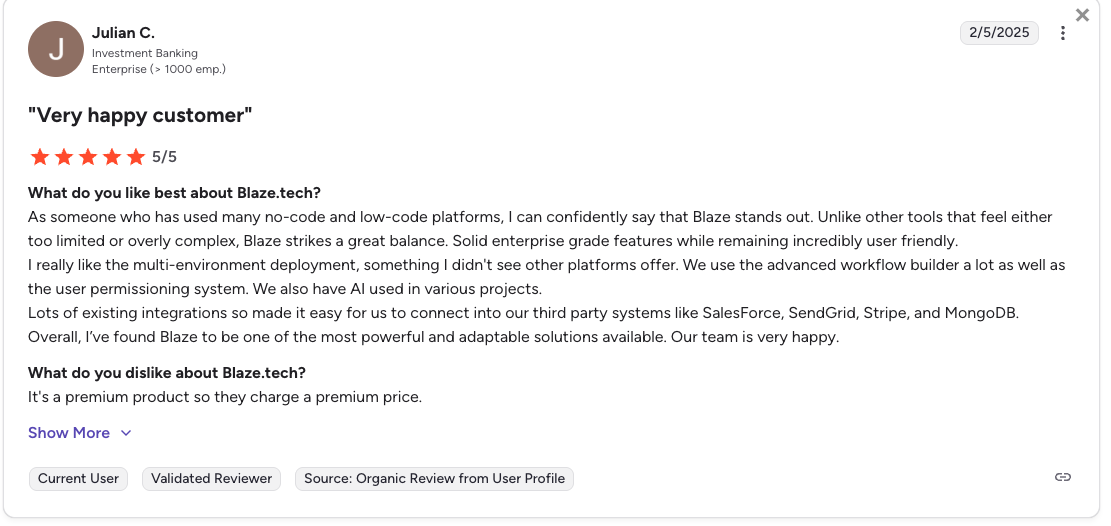
Pro: “As someone who has used many no-code and low-code platforms, I can confidently say that Blaze stands out. Unlike other tools that feel either too limited or overly complex, Blaze strikes a great balance. Solid enterprise grade features while remaining incredibly user friendly,” - Julian C.,G2
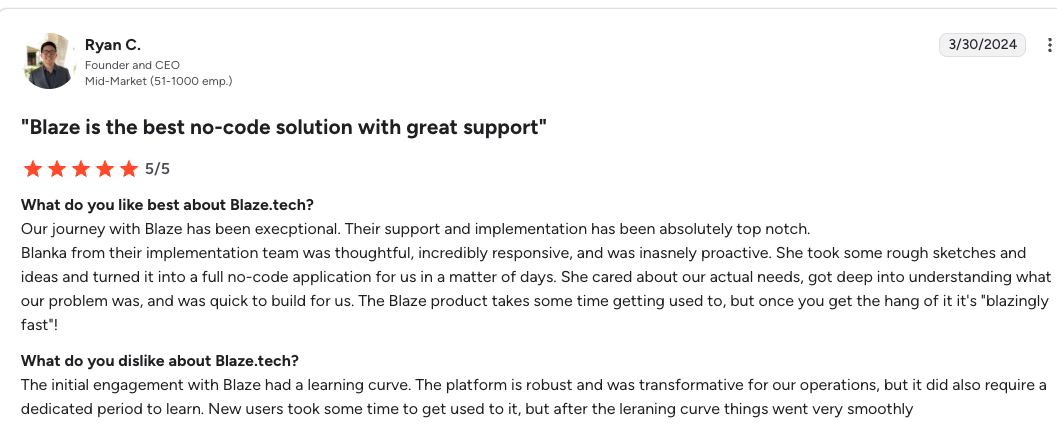
Con: “The initial engagement with Blaze had a learning curve. The platform is robust and was transformative for our operations, but it did also require a dedicated period to learn.” - Ryan C., G2.
Pricing
Contact Blaze’s team for a custom quote for the HIPAA-compliant version.
Bottom Line
Blaze makes the most sense when a healthcare team needs to launch websites and apps, such as patient portals or billing tools, without hiring engineers. If you need a simple website for your clinic, try Unicorn Platform.
2. SimplePractice: Best for Therapists Using Integrated EHR Tools
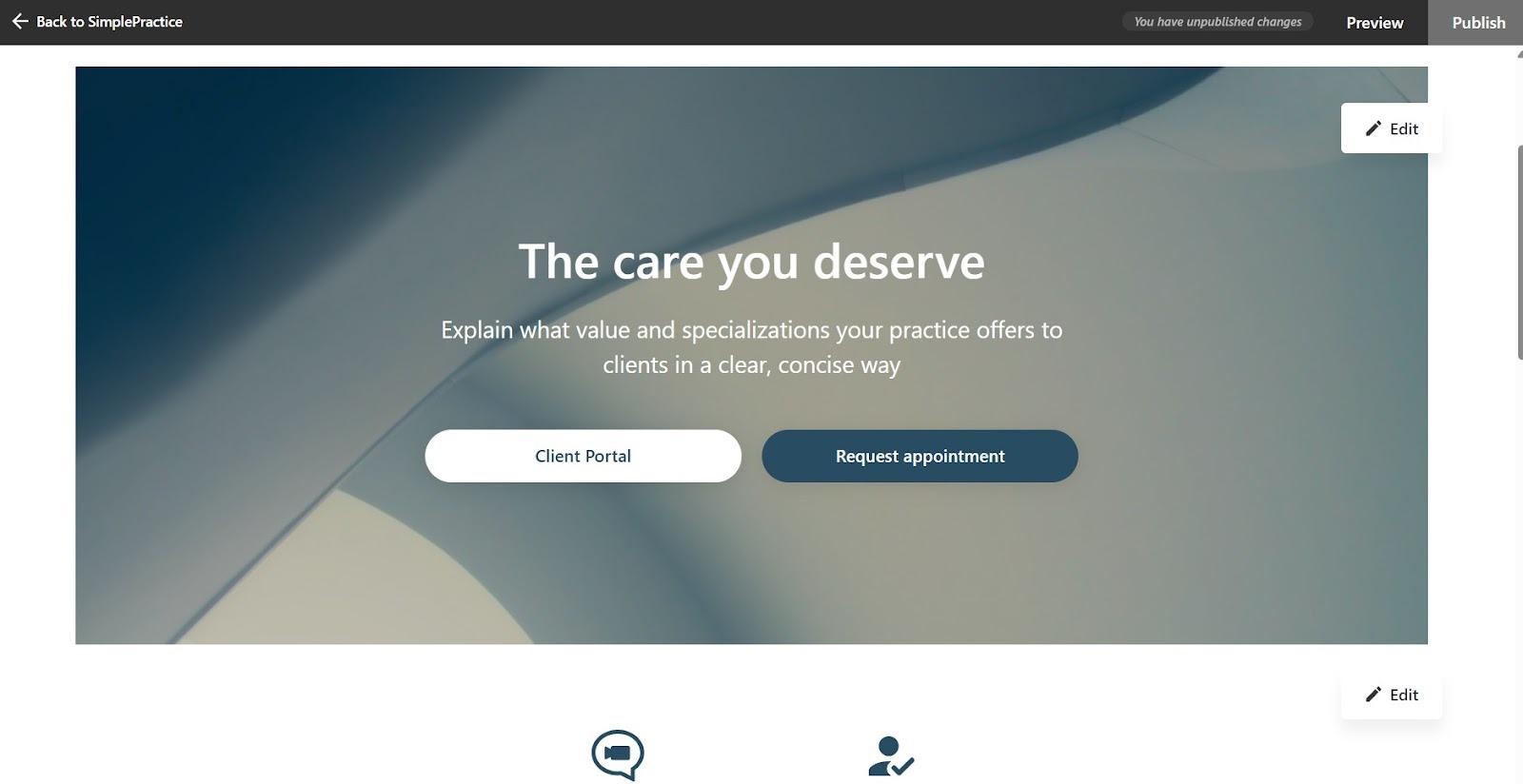
What it does: SimplePractice lets you build a site for scheduling, billing, clinical notes, and telehealth.
Who it’s for: Solo therapists billing insurance, managing caseloads, and running their practice without dedicated admin staff.
I tested SimplePractice by building a website with a client portal. The portal delivered intake forms, consent documents, and card‑on‑file collection in a single, cohesive flow. That workflow replaced the tools that many solo practices must combine to handle intake, consent, and payments.
Key Features
- HIPAA-compliant telehealth: Comes with a built-in video tool so you don’t need a separate video platform.
- Insurance claim filing: You can generate claims directly from session notes, cutting down on manual billing work.
- Progress note templates: Create customizable SOAP and DAP templates that attach directly to client records and keep documentation consistent.
Pros
✅ No setup fees: Practices can start on a free trial to test workflows before paying.
✅ HIPAA-compliant across plans: Security and PHI-handling controls are available on all paid plans, not just a single premium tier.
Cons
❌ Limited site customization: The website feature is enough for a basic profile, but not a full marketing site.
What Users Say
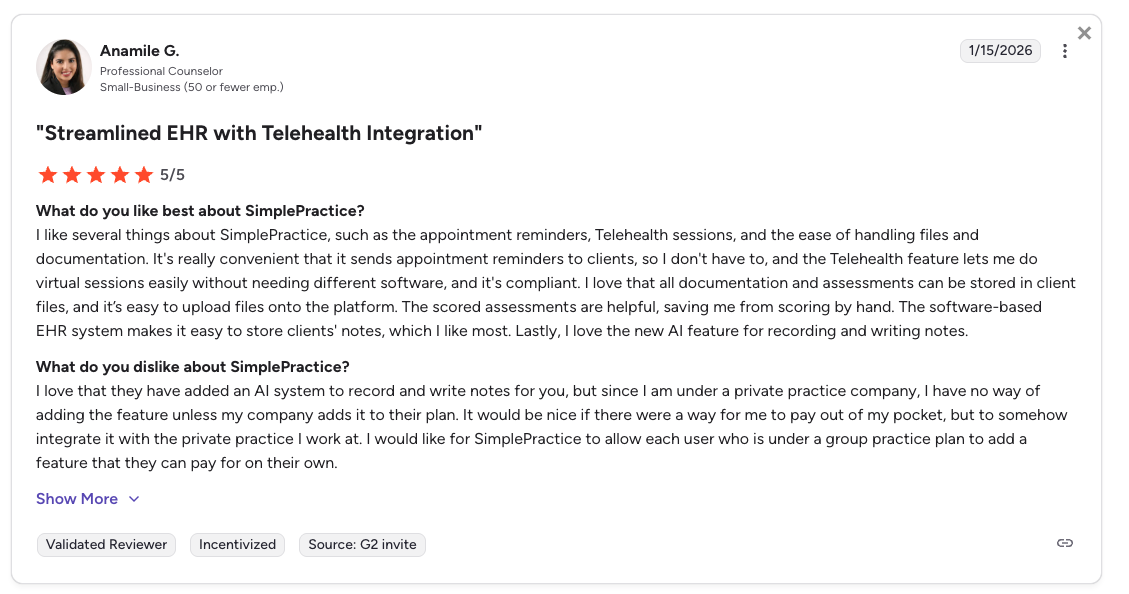
Pro: “I like several things about SimplePractice, such as the appointment reminders, telehealth sessions, and the ease of handling files and documentation.” - Anamile G., G2
Con: “Since I am under a private practice company, I have no way of adding the [AI] feature unless my company adds it to their plan.” - Anamile G., G2
Pricing
SimplePractice pricing starts at $49/month with a 30-day free trial.
Bottom Line
SimplePractice makes the most sense if you’re a solo therapist needing a simple site with scheduling, clinical notes, and telehealth in one HIPAA-compliant system. If you need several customizable healthcare apps for a growing practice, try Blaze.
3. Brighter Vision: Best for Therapy Practice Websites
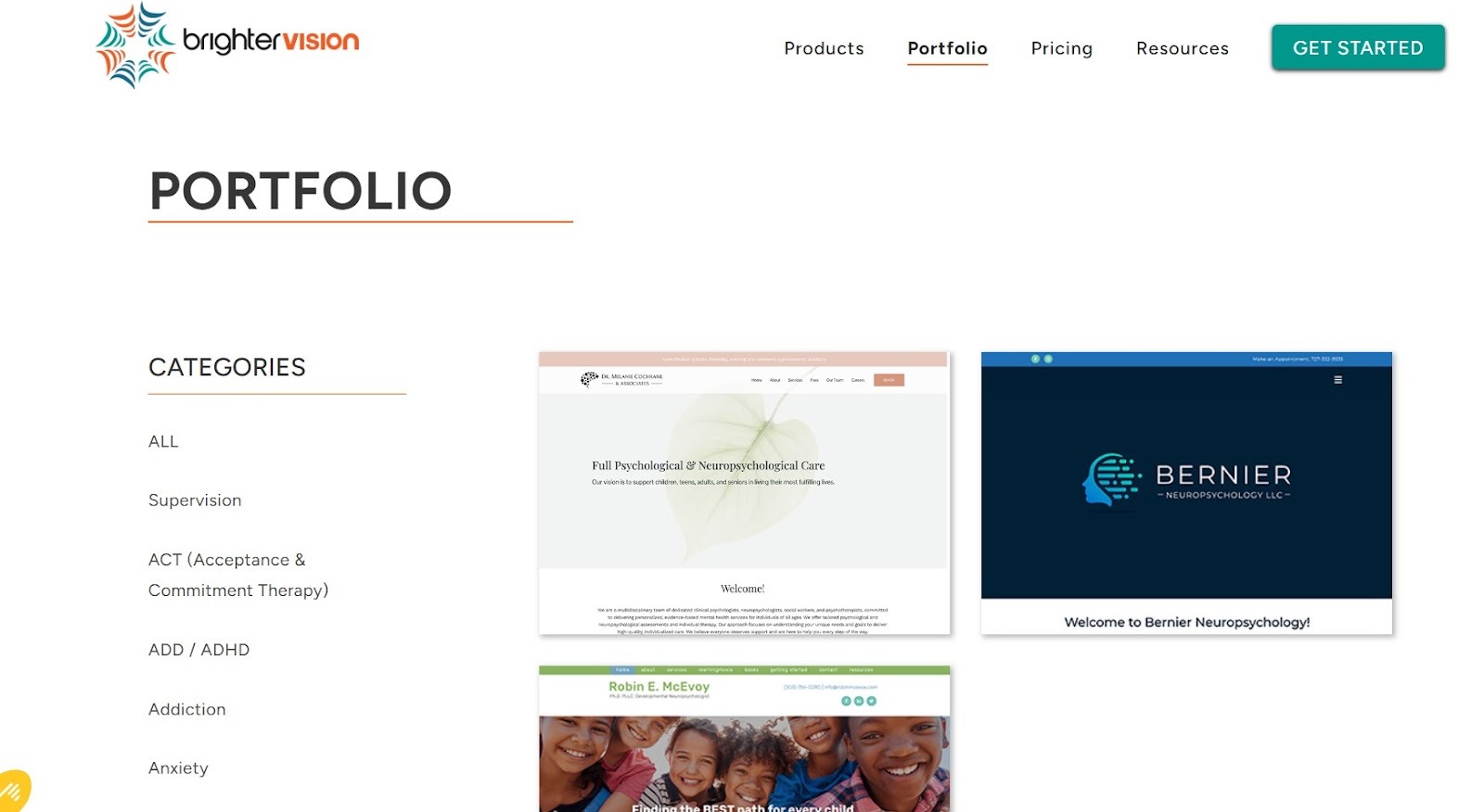
What it does: Brighter Vision is a website-building agency that specializes in creating therapy practice sites.
Who it's for: Solo therapists who want to launch or refresh their practice site without spending time on design choices or technical setup.
I analyzed Brighter Vision’s onboarding process for creating and launching a new therapy site. The design team is responsive to my requests and launches sites more quickly than traditional agencies.
Key Features
- HIPAA-ready forms and email: Hushmail integration provides encrypted forms and secure email addresses on higher-tier plans.
- Social Genie: Scheduled social media and blog posts pull from a therapy-specific content library.
- Tech support: Ongoing post-launch edits and fixes are handled by the support team, typically within a few business days.
Pros
✅ No design skill required: The team builds the site from your intake answers, so you can go live without much effort from your end.
✅ Included domain management: The team can handle domain registration and transfers for you, reducing the need to juggle separate domain accounts.
Cons
❌ No long-term site ownership: If you cancel your subscription, you lose access to the hosted site you’ve been paying to build and maintain.
What Users Say
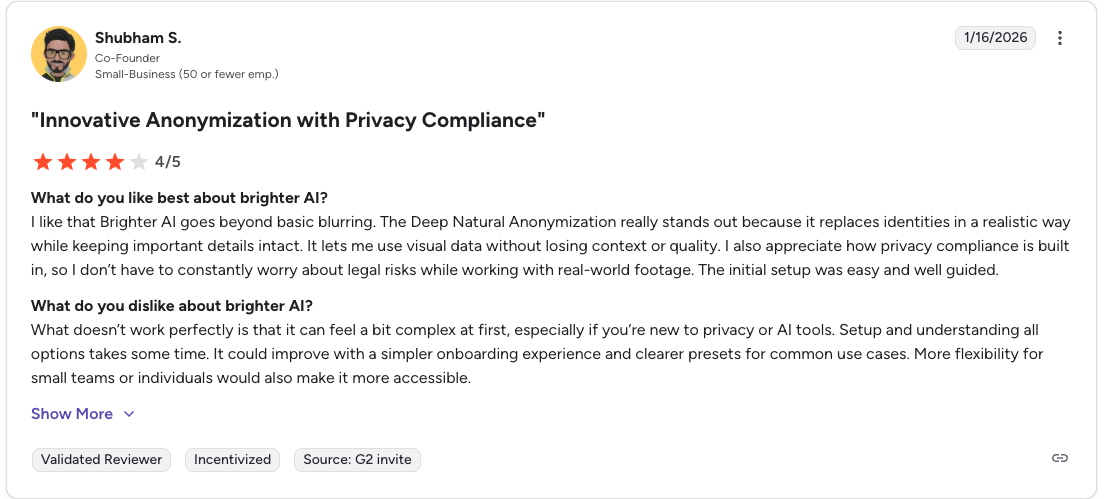
Pro: “Brighter AI goes beyond basic blurring . . . [and] replaces identities in a realistic way while keeping important details intact.” - Shubham S., G2
Con: “More flexibility for small teams or individuals would also make it more accessible.” - Shubham S., G2 - Shubham S., G2
Pricing
Brighter Vision pricing starts at $99/month.
Bottom Line
Brighter Vision works well for solo therapists who want a professional, locally optimized website without handling design or hosting themselves. But if you need a smaller solution, try SimplePractice.
4. PatientGain: Best for Marketing a Medical Practice

What it does: PatientGain offers a HIPAA-compliant marketing, CRM, and patient acquisition tool for medical practices, bundling them into one platform.
Who it's for: Medical practices actively running patient acquisition campaigns across search, social, and inbound communication channels.
I tested PatientGain to see how new patient inquiries appear in the communication dashboard. Every channel, text, web form, and phone call appeared in a single inbox without needing manual forwarding or redirects.
Key Features
- SPOC communication hub: All patient texts, calls, and website messages go into one HIPAA-compliant inbox.
- A/B-tested website templates: The platform uses pre-tested healthcare website layouts instead of fully custom designs.
- CRM: The system tracks leads, patient follow-ups, and appointment workflows inside a platform built for medical practices.
Pros
✅ Conversion‑focused design: Templates use A/B testing to improve mobile traffic performance.
✅ All‑in‑one compliance: HIPAA compliance extends across the website, CRM, forms, and communication tools.
Cons
❌ Built for acquisition, not clinical ops: PatientGain focuses mainly on patient acquisition and front‑end communication, so practices needing clinical documentation tools or EHR integration won’t find those features here.
❌ Overkill for small practices: PatientGain may be overkill for smaller clinics that only need basic marketing tools or limited automation.
What Users Say
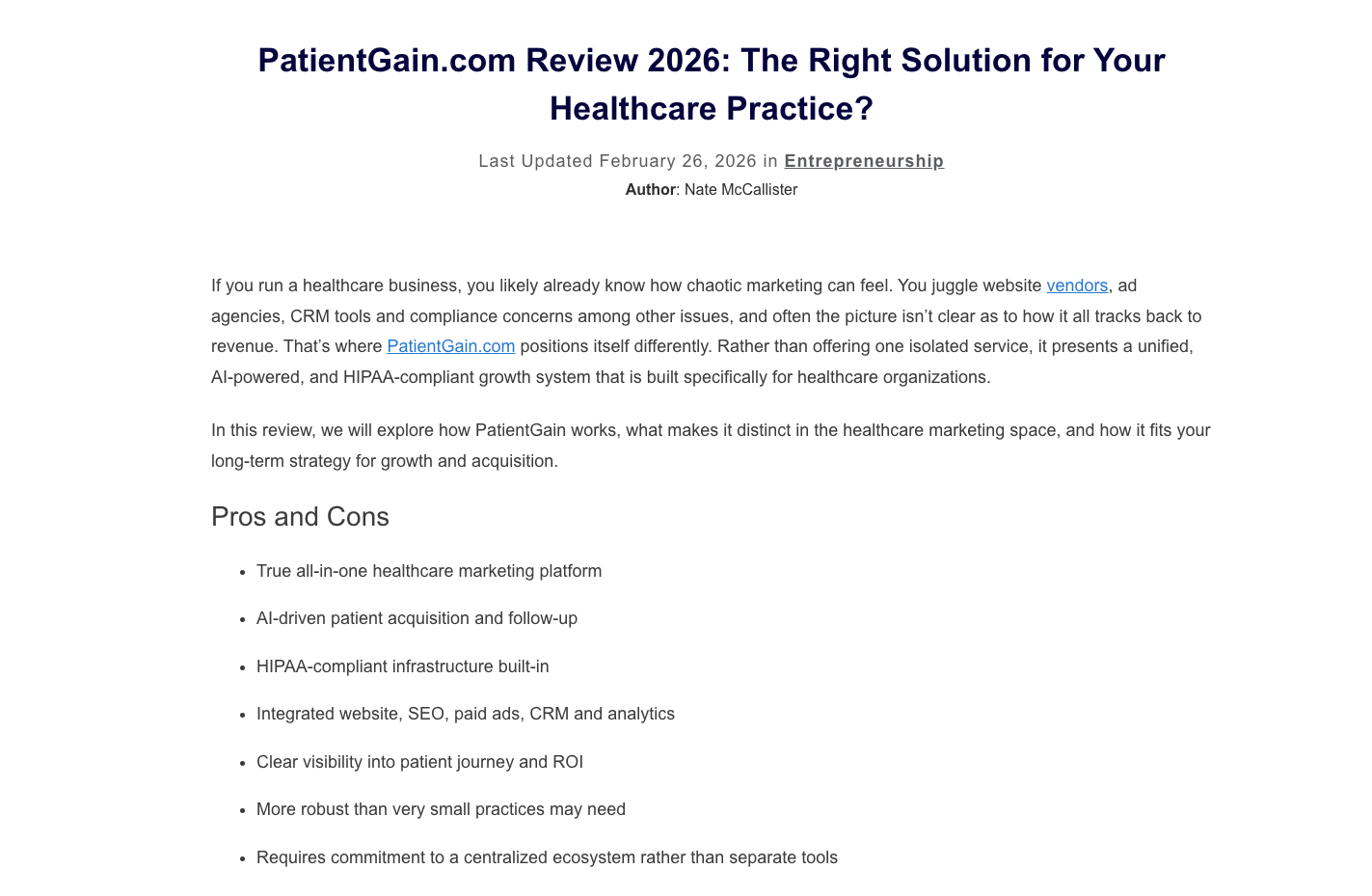
Pro: “Rather than offering one isolated service, it presents a unified, AI-powered, and HIPAA-compliant growth system that is built specifically for healthcare organizations.” - Nate McCallister, entreresource.
Con: “Requires commitment to a centralized ecosystem rather than separate tools.” - Nate McCallister, entreresource.
Pricing
PatientGain pricing starts at $500/month.
Bottom Line
PatientGain works best for medical practices that want a full patient acquisition system, not just a website, and have the budget for ongoing digital marketing. Brighter Vision makes more sense if you just need a professionally built practice website at a lower cost.
5. Unicorn Platform: Best for Simple Healthcare Websites
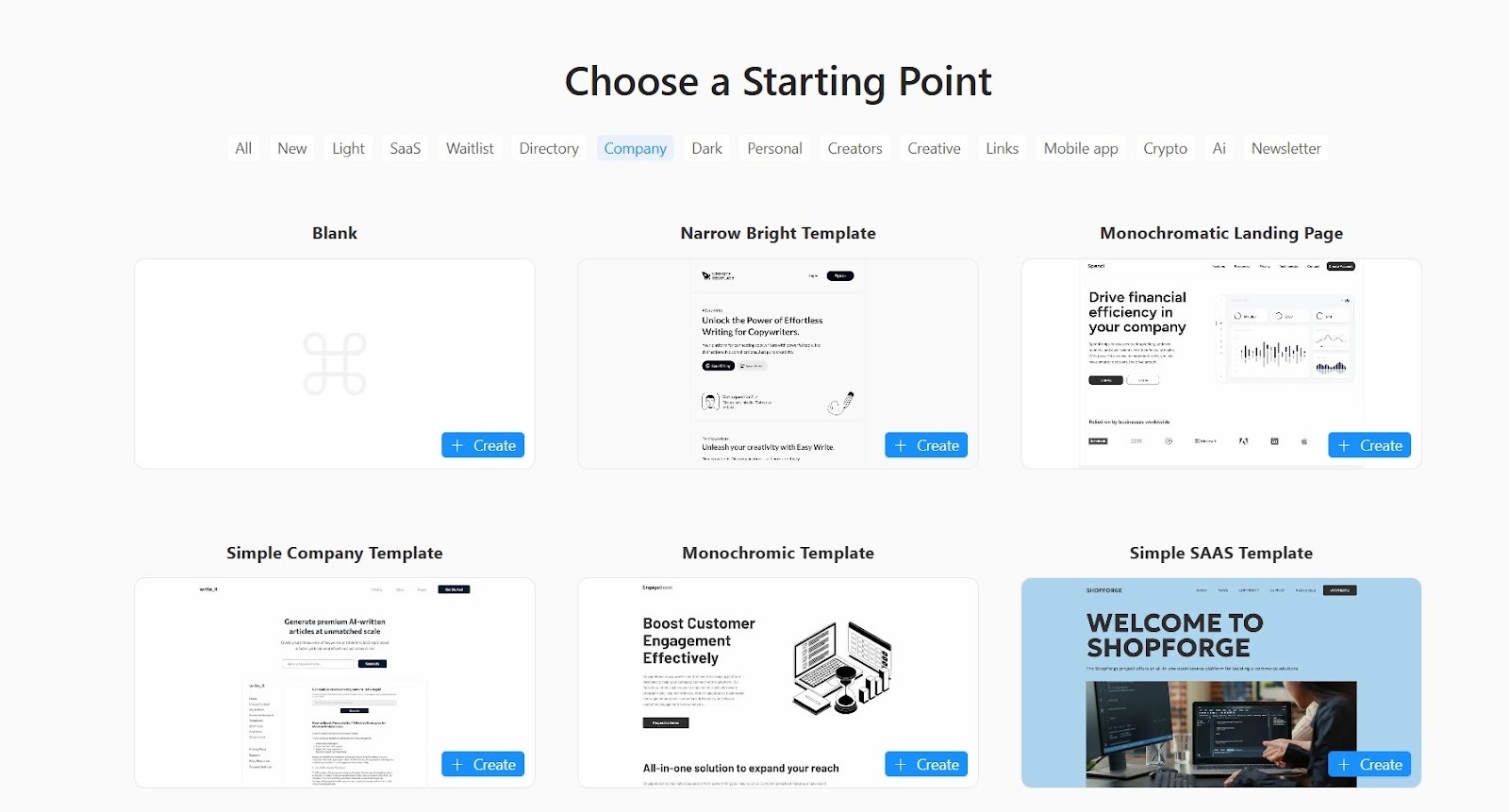
What it does: Unicorn Platform is a no-code website builder that lets you create simple landing pages.
Who it's for: Health practitioners who want a public-facing page to go live quickly, without any coding or a design background.
I tested Unicorn Platform by building a clinic’s landing page from a prebuilt template using the drag-and-drop editor. The no-code builder was intuitive, allowing me to have my page publish-ready in under two hours.
Key Features
- Medical website templates: Pre-built layouts for common healthcare use cases (like doctors, dentists, and therapists) make it easy to adapt a page to most practice types.
- Supports HIPAA compliance: The platform provides templates and components that comply with HIPAA standards.
- Custom code insertion: Programmers can add HTML, CSS, or JavaScript blocks to any page, which allows more advanced tracking, widgets, or design tweaks.
Pros
✅ Fast time to launch: You can launch a healthcare-focused landing page in a matter of hours if your content and branding images are ready.
✅ HTML export available: Paid plans include the option to export your site’s HTML so you can host it elsewhere if you choose.
Cons
❌ Not built for clinical operations: Practices that need scheduling, billing, charting, or EHR features will need to create them with separate tools.
❌ Limited customization flexibility: Unicorn Platform is built for speed via predefined blocks; it’s not ideal for creators who want granular control or a unique, non-templated design.
What Users Say
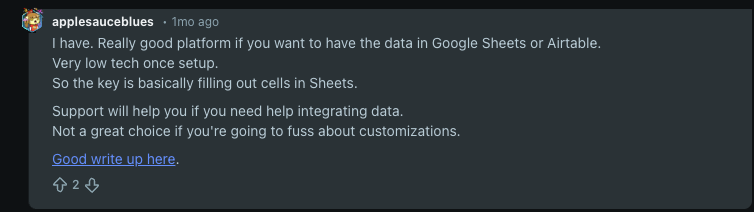
Pro: “Really good platform if you want to have the data in Google Sheets or Airtable.”-applesauceblues, Reddit
Con: “Not a great choice if you're going to fuss about customizations.”-applesauceblues, Reddit
Pricing
Unicorn Platform’s pricing starts at $14/month.
Bottom Line
Unicorn Platform works best when a healthcare practice needs a simple public website fast. Choose PatientGain if you want one platform to run your website, intake, and HIPAA-focused communication in one place without using multiple tools.
Comparison Table: HIPAA-Compliant Website Builder Features
What Makes a Website Builder HIPAA Compliant?
Encryption, secure infrastructure, and a BAA make a website builder HIPAA compliant. Many builders offer basic security, but HIPAA compliance usually depends on signing a BAA and controlling how PHI moves through your site.
Here’s what makes a website builder HIPAA compliant:
Business Associate Agreement (BAA)
A BAA is a legally binding contract between the website builder (vendor) and your business. It defines exactly which PHI (Protected Health Information) your vendor can access, how they must protect it, and what happens if they fail. Without a BAA, no contractual requirement exists for your provider to protect that data, making your website non-compliant.
Encryption Standards
Encryption under HIPAA operates at two layers: TLS 1.2 or higher secures PHI in transit, and AES-256 secures data at rest inside your database. Both standards align with NIST guidelines, and missing either one leaves a gap that regulators and auditors will flag.
Access Controls and User Permissions
Access controls are the rules that decide who can view, edit, or export PHI in your system. User permissions define what each person can see and do with patient data. When you tie those rules to job roles and verified identities, a billing clerk can’t open clinical notes, and a provider can’t see a patient’s billing history.
Role-based access organizes permissions by job function, limiting PHI exposure by design. Admin users must log into your website using 2-factor authentication, which requires either email or text verification.
Audit Logs and Activity Monitoring
Audit logs automatically record who accesses and uses your system. They track your team’s activity so you can see who saw what information, and when they did so. Instead of relying on staff to report problems, a compliant platform creates and stores these records on its own.
Users can’t edit or delete audit logs, which helps protect your practice during audits or investigations. These systems also have data backup features that can recover lost data.
Secure Hosting Infrastructure
Secure hosting infrastructure refers to the physical systems and network controls that store and protect PHI. You can store your PHI on servers located on your company’s premises (on-prem) or on a HIPAA-compliant cloud.
Whether you choose on-premise or cloud hosting, your infrastructure must include separate storage, encrypted data transfers, and access logging. It also needs physical controls, like a secure area, that blocks unauthorized access at the infrastructure level.
Secure Forms and PHI Collection
A secure form is an encrypted tool that collects PHI and sends it directly into protected storage instead of regular email. It protects patient data from the moment someone clicks submit. For instance, patients fill out their health history or current symptoms on a secure form before a visit.
The system encrypts the information as it travels from the form to your database. That way, no one can read it while it moves between systems.
How to Choose the Right HIPAA-Compliant Website Builder
The right platform depends on how you need to collect, store, and transmit patient data. A poor choice creates compliance problems that cost time and money to correct after launch. Follow these 5 steps to choose the right HIPAA-compliant website builder for your organization:
Step 1: Determine your PHI exposure
First, determine if your website actually collects PHI. If your site only shares information and doesn’t collect sensitive health data through forms or logins, HIPAA probably doesn’t apply.
HIPAA rules start the moment your site collects, sends, or stores protected health information, even through a simple contact form. For example, many basic form tools send submissions through regular email, which may not have a BAA or proper encryption. This one error can violate the HIPAA Security Rule before patients even book an appointment.
Step 2: Confirm the Vendor Will Sign a Business Associate Agreement (BAA)
A signed BAA makes your vendor legally responsible for how they handle PHI. Without it, HIPAA doesn’t treat the vendor as a business associate, and your practice takes full responsibility if a breach happens on their system.
Before you build anything, ask for the BAA in writing and make sure the vendor will sign it. If they avoid the question or point you to a privacy policy instead, look for another vendor.
Step 3: Assess the Level of Customization You Need
How much customization power your platform gives you directly affects how safely you handle PHI. If the system can’t support data workflows, staff may send patient data through email, spreadsheets, or even personal devices to get the job done. Make sure that you can design how you receive patient data from your website to avoid compliance risks.
Step 4: Evaluate Integration Requirements
If your website can't connect to other software like your EHR or medical database, you’ll create manual workarounds. These might move PHI outside of your secure, compliant setup and waste time.
Your EHR, CRM, scheduling tools, and patient portal must connect through encrypted data transfers covered by the BAA your vendor provides. If PHI passes through a third-party service without a BAA, even for a moment, you create a compliance gap.
Before choosing a platform, list every system your website must connect to and confirm each connection has BAA coverage.
Step 5: Consider Scalability
A platform built for a solo practice may reach its limits once you add more staff, patients, or physical locations. If the system can’t scale, you may need to change vendors and adjust your setup.
That process often means new contracts, new security reviews, and new BAAs while your practice is already busy. Don’t underestimate those future costs. Choose a platform that meets your needs now and can grow with you later.
HIPAA-Compliant Website Builder Pricing Considerations
Pricing a HIPAA-compliant website involves more than comparing monthly plans. Compliance features add more costs that you may miss when you first calculate your budget. Be aware of these pricing considerations:
- Infrastructure costs: Isolated hosting environments can be more expensive because shared servers create liability exposure. Encryption at rest and in transit, plus constant threat monitoring, runs as a standard operational cost.
- Compliance overhead: Risk assessments and security documentation require your team to handle the work internally or hire a contractor to manage it. Every major platform update or vendor change triggers another round of assessment, documentation, and review.
- Customization vs templates: Template-based healthcare sites create limits as soon as you need a workflow that goes beyond the original setup. Custom platforms are flexible, but they increase both your development timeline and your compliance workload.
- Ongoing maintenance costs: Security updates, hosting renewals, and ongoing compliance checks all add to the cost of a HIPAA-compliant website. As rules, security threats, and technology change, your site needs regular updates to stay protected.
Overall, small practices often spend between $3,000 to $5,000 each month once they add compliance costs, hosting, and a strong website. Larger organizations requiring custom development, patient portals, and multi-location compliance rules can easily spend over $20,000 monthly.
Build Your Next HIPAA Compliant Website with Blaze
If you’re looking for a HIPAA-compliant website builder that also lets you create healthcare apps for telehealth, EHR, and inventory management, consider Blaze. It’s a no-code app and website builder that doesn’t require any development experience.
Here’s why healthcare teams choose Blaze:
- Speed meets security: Launch HIPAA-ready websites and digital workflows much faster than traditional development while maintaining strong data protection safeguards.
- No-code ease: Blaze’s drag-and-drop builder allows non-technical healthcare teams to create secure websites, patient dashboards, and automated intake workflows in days instead of months.
- Customizable healthcare workflows: Every practice operates differently. Blaze lets you design secure intake processes, consent forms, patient portals, and internal workflows that match your clinical and administrative needs.
- Dedicated support: Blaze provides hands-on onboarding and implementation guidance so your team can confidently launch and scale a HIPAA-compliant website.
Schedule a free demo today and learn how you can create a custom HIPAA-compliant website with Blaze.
Frequently Asked Questions
What Makes a Website Builder HIPAA-Compliant?
A signed Business Associate Agreement (BAA), encrypted PHI in transit and at rest, role‑based access controls, and audit logs make a website builder HIPAA compliant. These elements form the technical and contractual foundation needed to protect patient data; without them, the platform cannot reliably support HIPAA‑compliant use.
Do All Healthcare Websites Need A HIPAA-Compliant Website Builder?
No, not all healthcare websites need a HIPAA-compliant website builder. If your site only shares general information and never collects, stores, or transmits protected health information, HIPAA is less likely to apply to the website itself. But if you capture patient‑identifying health data, using a HIPAA‑aligned platform with BAAs and proper safeguards becomes a legal requirement.
Can I Use A Regular Website Builder Like Wix Or Squarespace For A Healthcare Site?
Yes, you can use a regular website builder like Wix or Squarespace for general healthcare content, but not for collecting PHI. You’ll need to check if any of these regular website builders offer a plan with a BAA before creating a site that collects patient data. If those builders don’t offer a BAA, then you can’t legally collect PHI.
Sources
i. U.S. Department of Health & Human Services. "Summary of the HIPAA Security Rule." HHS.gov. https://www.hhs.gov/hipaa/for-professionals/security/laws-regulations/index.html
ii. U.S. Department of Health & Human Services. "Security Rule Guidance Material." HHS.gov. https://www.hhs.gov/hipaa/for-professionals/security/guidance/index.html
iii. National Institutes of Health — StatPearls. "Health Insurance Portability and Accountability Act (HIPAA) Compliance." NCBI. https://www.ncbi.nlm.nih.gov/books/NBK500019/
The Secure No-Code & AI Platform
Supercharge your team's operations and performance with better apps and tools.
Create custom apps fast
Secure & HIPAA compliant
Streamline complex workflows

The Secure No-Code Platform
Build apps with best-in-class security.
Related Articles
Discover related guides on healthcare no-code development, HIPAA compliance, security, integrations, and launching apps faster.
%20(1).png)
6 Best HIPAA-Compliant AI Tools for Healthcare (2026)
I found 6 HIPAA-compliant AI tools that improve data accuracy and save time. Compare healthcare AI platforms for scribing and automation to find the best fit.

How to Build an EHR System: 6 Steps + Costs (2026)
Six-step EHR development infographic showing requirements planning, development approach selection, core feature creation, system integrations, security testing, staff training, deployment, monitoring, and continuous improvement.
.png)
Clinical Data Integration in Healthcare: How to Choose + Guide | 2026
Clinical data integration in healthcare connects records, lab results, and imaging data. Discover steps to launch, common challenges, and how to pick one.