
Table of contents
Patient Engagement Tools: 14 Types for Healthcare (2026)

Written by
Blaze Team

Reviewed by
Nanxi Liu
Expert Verified
14 Patient Engagement Tool Examples: At a Glance
| Tool Type | What It Does | Best For | Example |
|---|---|---|---|
| Patient portals | Central hub for records, messaging, and care access | Ongoing patient access and self-service | Kiaora |
| Appointment scheduling | Online booking, rescheduling, and reminders | Reducing no-shows and admin workload | Zocdoc |
| Automated patient reminders | Sends alerts for meds, visits, and follow-ups | Improving adherence and attendance | Luma Health |
| Remote patient monitoring | Tracks vitals and health data remotely | Chronic condition management | Biofourmis |
| Secure messaging | Enables direct communication with providers | Fast patient-provider communication | Klara |
| Telehealth platforms | Virtual visits and consultations | Expanding access to care | Doxy.me |
| Digital intake forms | Collects patient data before visits | Streamlining front desk workflows | Phreesia |
| Billing and payment tools | Manages invoices and payments online | Faster collections and transparency | AdvancedMD |
| Patient education tools | Delivers health content and resources | Improving patient understanding | Healthwise |
| Surveys and feedback tools | Collects patient experience data | Measuring satisfaction and outcomes | Press Ganey |
| Care coordination tools | Aligns providers and care plans | Managing complex patient journeys | ChartSpan |
| Patient follow-up systems | Automates post-visit communication | Reducing readmissions and care gaps | Get Well |
| AI chatbots | Handles questions and triage automatically | 24/7 patient support | Ada Health |
| Language translation tools | Translates communication in real-time | Serving diverse patient populations | Canopy Speak |
Patient engagement tools are software and systems that help healthcare providers communicate, monitor, and interact with patients. Here are the 14 most important types of patient engagement tools that I recommend to most organizations, why they matter, and real-world examples:
1. Patient Portals
What they are: A patient portal is a secure, web-based hub where patients access records, test results, appointment history, and care instructions without calling the front desk.
Why they matter: These tools shift routine administrative load off staff and make it easy for patients to stay engaged with their healthcare, from the comfort and privacy of their own devices.
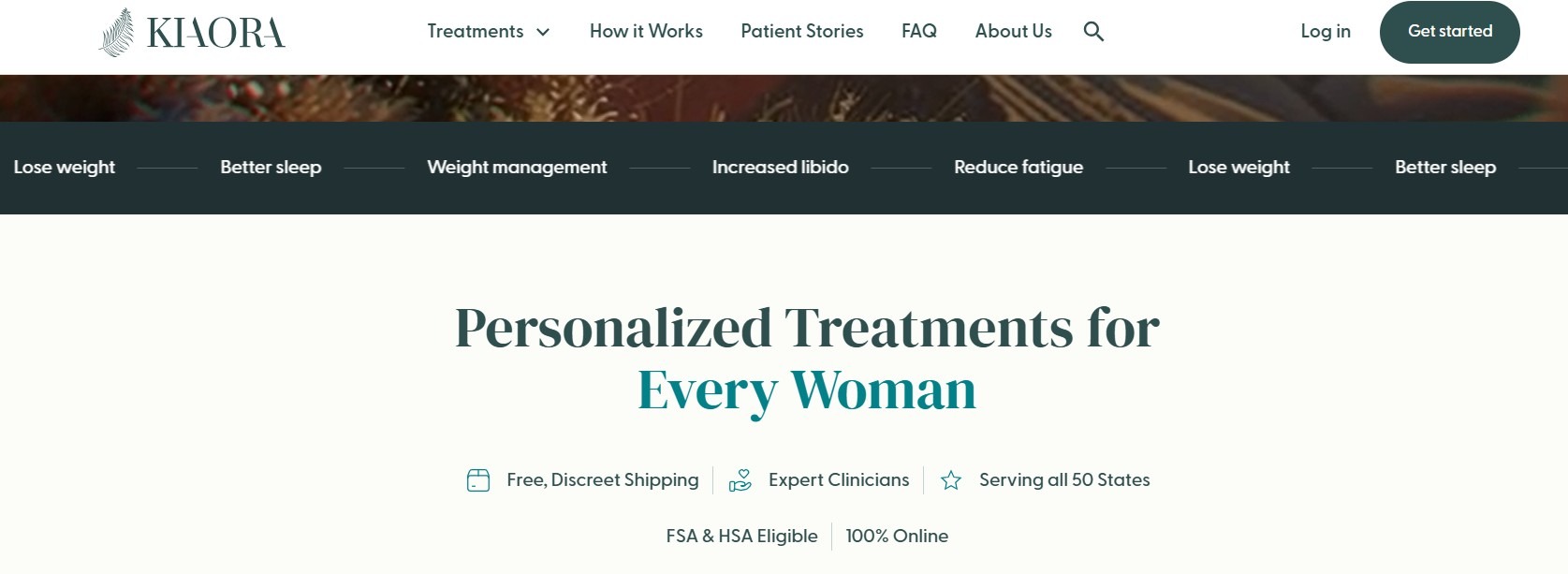
Example: Kiaora, a women’s hormone therapy provider, used Blaze.tech to create their own HIPAA-enabling patient portal. Patients can log in and see their appointment and billing history, prescriptions, and test results.
2. Appointment Scheduling Tools
What they are: Online scheduling tools allow patients to book appointments with providers from a desktop or mobile device.
Why they matter: Patients can save time by booking quickly, while front desk staff reduces time spent answering the phone and coordinating appointments.
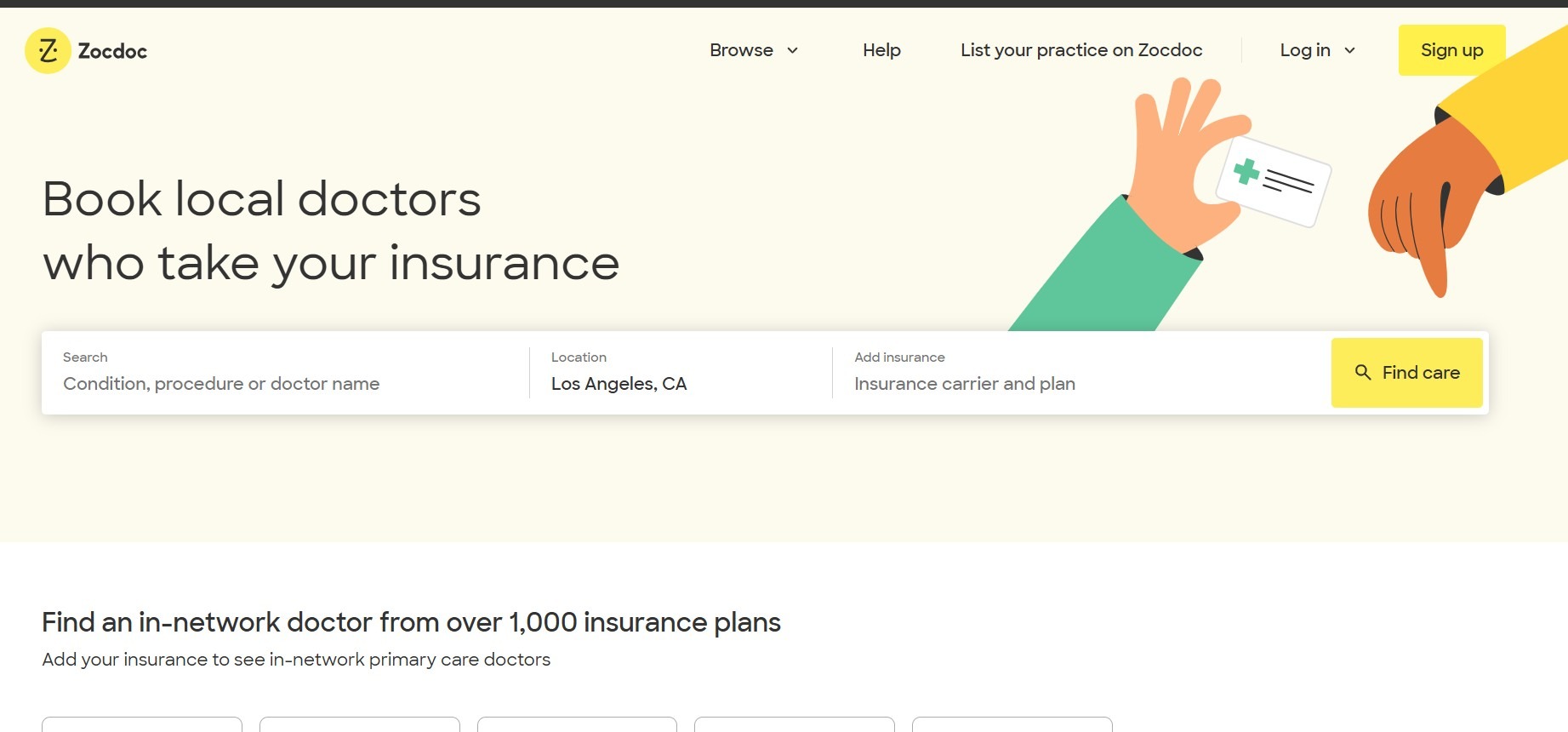
Example: Zocdoc connects patients with nearby doctors and allows them to book appointments and match with providers based on insurance.
3. Automated Patient Reminders
What they are: These tools automatically send appointment reminders to patients by text, email, or voice before a scheduled visit. Providers usually choose when to send these reminders, such as 24 or 48 hours in advance.
Why they matter: Missed appointments cost U.S. providers an estimated $150 billion annually. These tools reduce staff workload by reducing manual outreach, so patients receive timely, consistent communication that helps keep schedules full and supports consistent care.
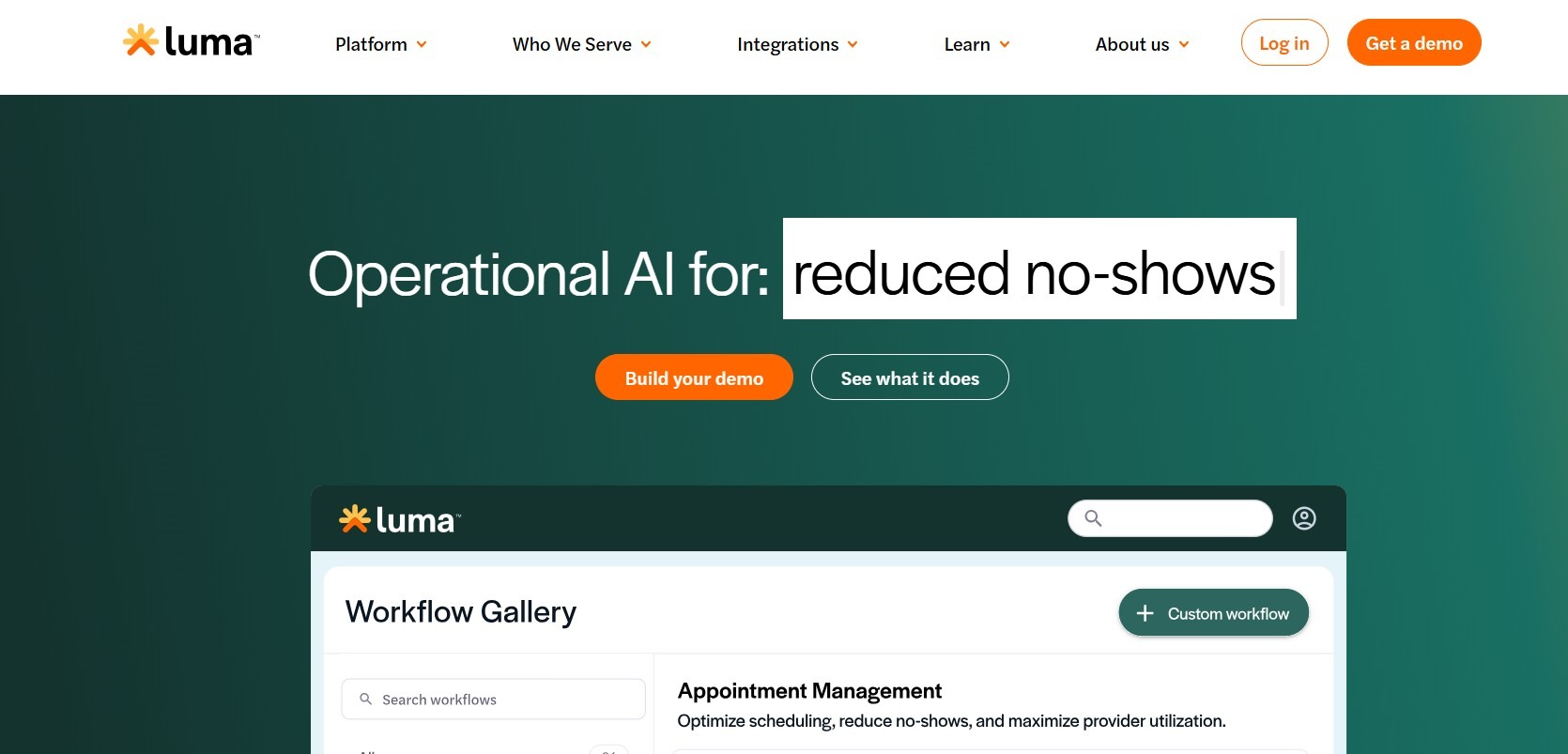
Example: Luma Health sends patients personalized reminder messages based on the type of appointment, their history, and how they respond (text, email, in-app message, etc.). Instead of simple reminders, it adjusts each message to fit the situation.
4. Remote Patient Monitoring Systems (RPM)
What they are: These technologies, often called wearable or implanted devices, physically collect health data from patients and deliver it to providers. The care team uses it to track patient health outside the clinic.
Why they matter: For those with chronic conditions like heart disease or diabetes, RPM gives providers a clear idea of patients’ health between visits with real-time data. This helps care teams catch problems early and avoid costly hospital stays.
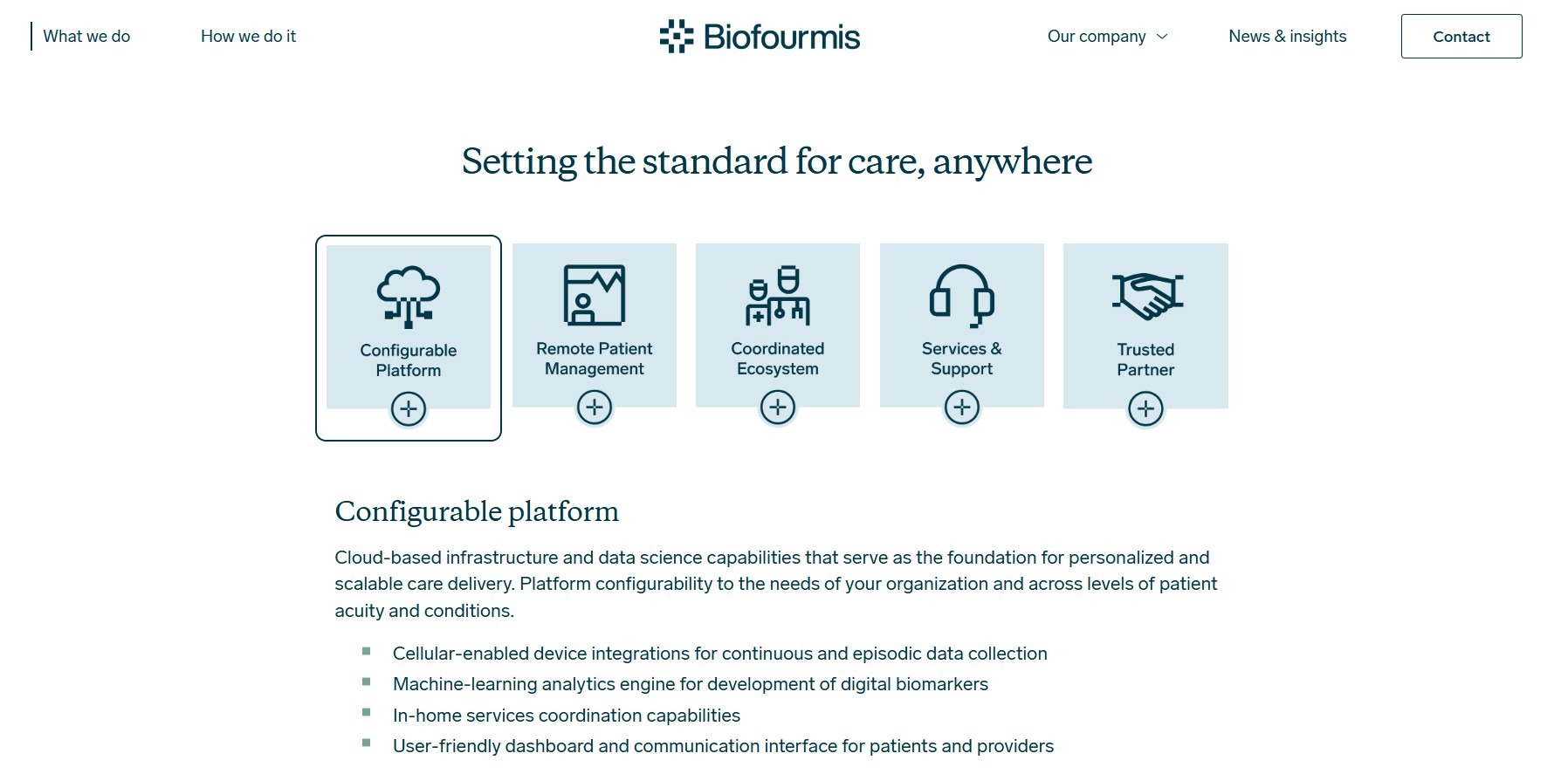
Example: Biofourmis connects to wearables like Everion and uses AI to continuously analyze patient data streams. It flags problematic patterns before they progress into emergency situations.
5. Secure Messaging Tools
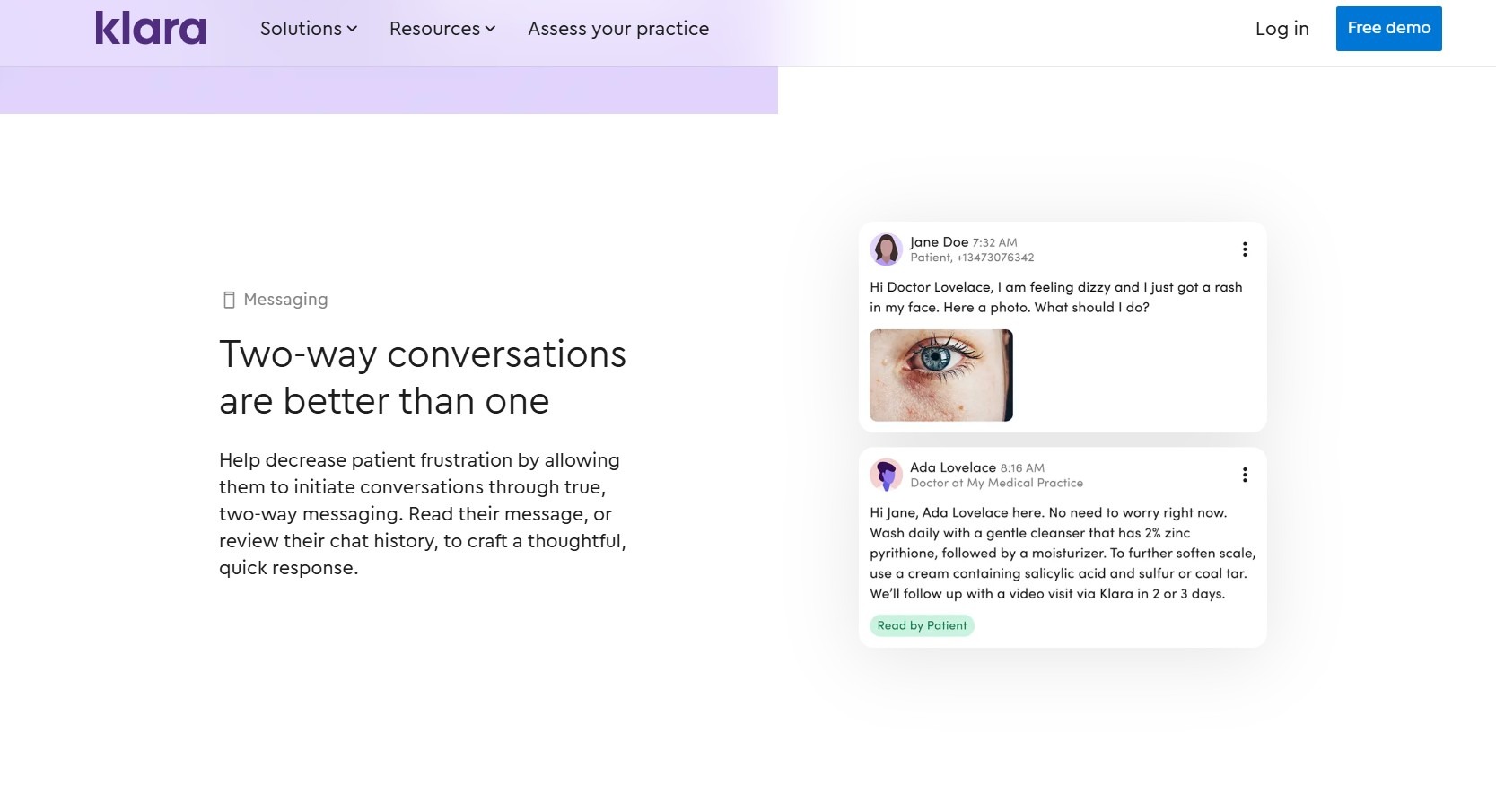
What they are: By providing HIPAA-compliant communication, secure messaging tools allow patients to directly contact providers.
Why they matter: Back-and-forth email and phone calls waste time for both patients and staff. Secure messaging reduces unnecessary visits and keeps all messages in one record.
Example: Klara keeps all patient messages in one place. A text message and a portal message both show up in the same conversation thread.
6. Telehealth Platforms
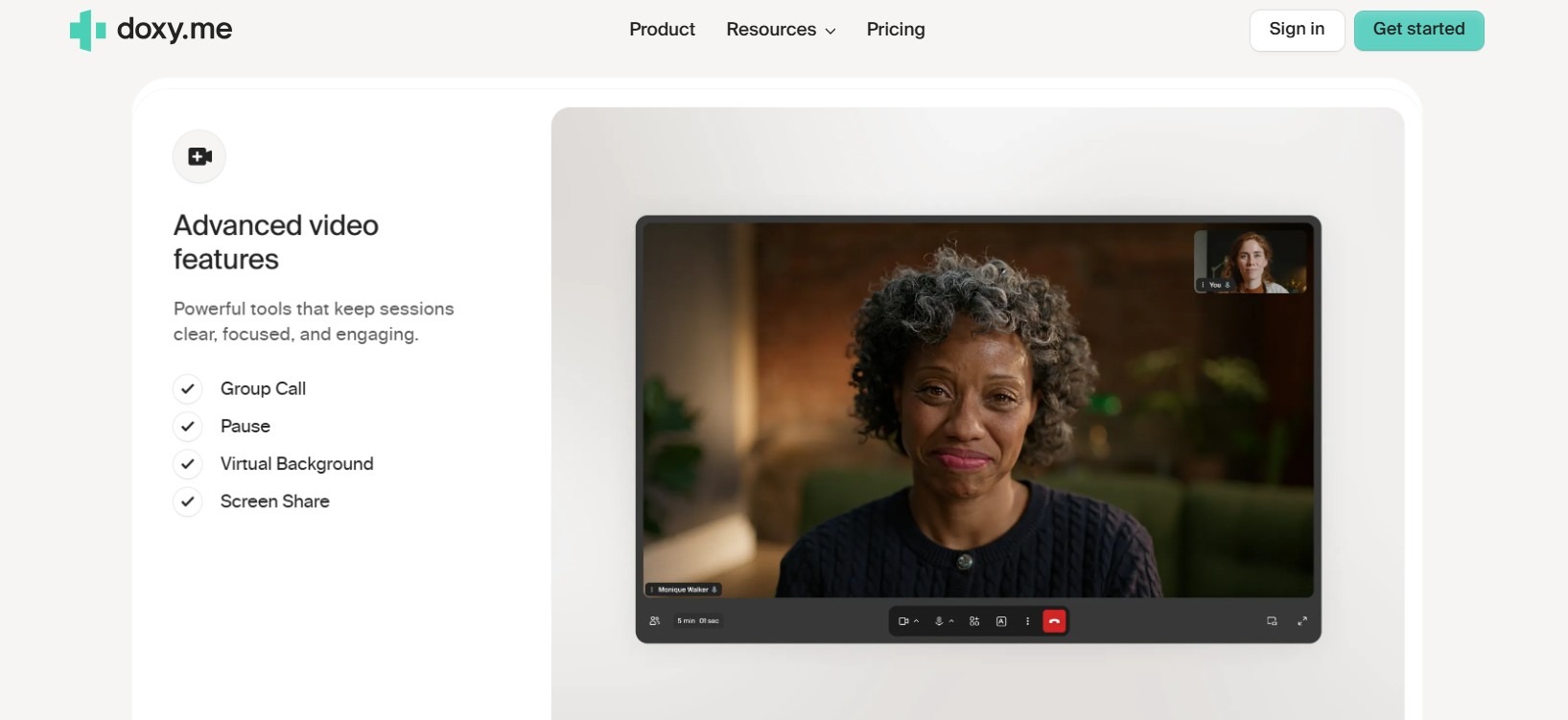
What they are: These secure video tools offer remote medical visits inside a secure system.
Why they matter: Telehealth helps patients get care even if they live far away from providers, have trouble moving, or can’t fit visits into their schedule. It also helps providers avoid risk and offer care without needing more office space or staff.
Example: Doxy.me runs in a secure web browser on any device, which makes it a popular choice for small and independent practices.
7. Digital Intake Forms
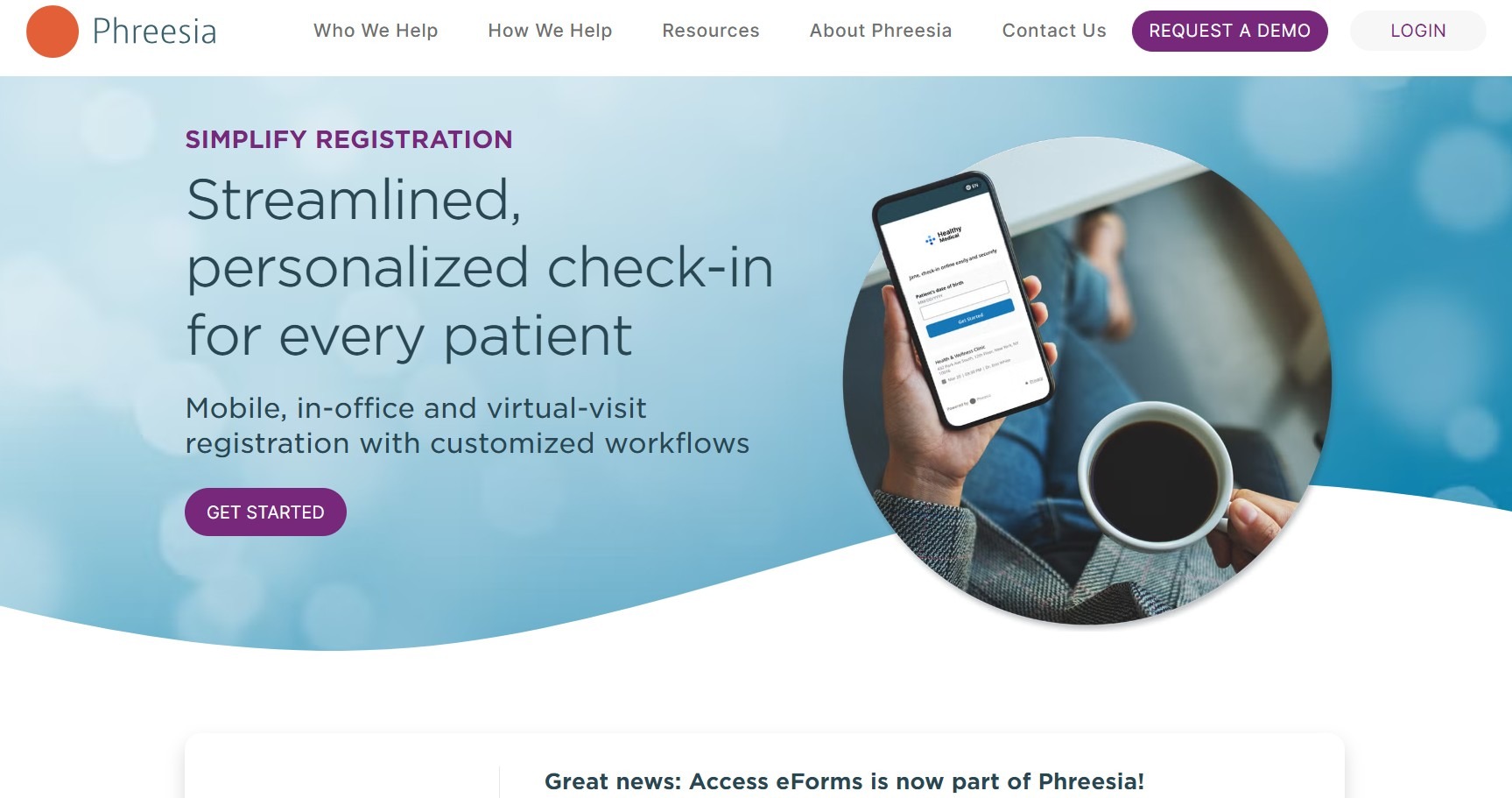
What they are: These “electronic papers” allow providers to collect patient details like demographics, insurance, medical history, consent, and hospital admission information before a visit. Once collected, the information is often automatically sent directly to the EHR (electronic health records), so staff don’t need to enter data from paper forms.
Why they matter: Paper documents like hospital admissions forms introduce transcription errors and create pre-visit delays. Digital intake catches administrative and eligibility issues before the appointment begins, speeding up check-in and improving care delivery.
Example: Phreesia checks patient identity and insurance details during intake.
8. Billing and Payment Tools
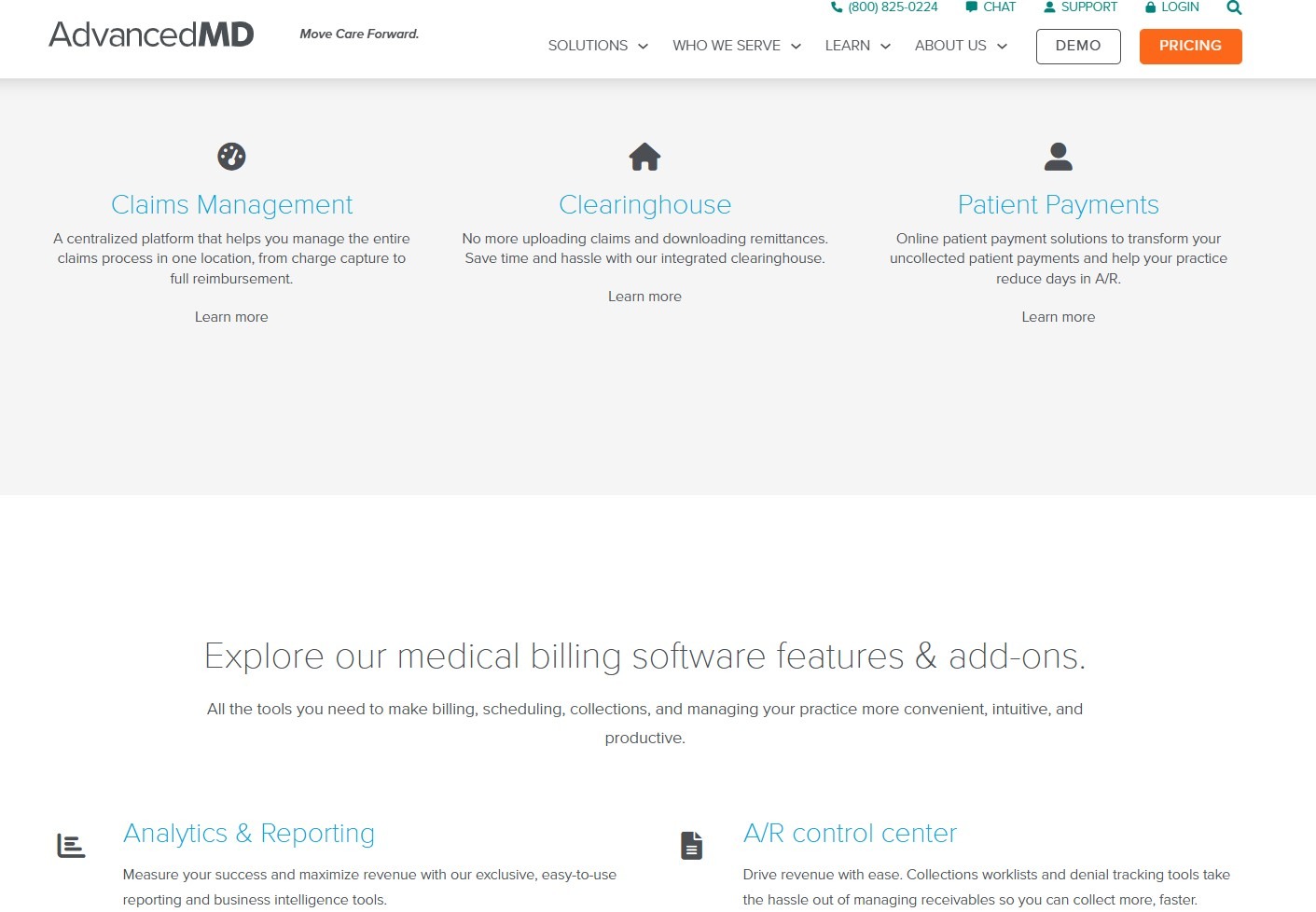
What they are: These tools send patients clear, itemized bills and let them pay through text or online. Some offer payment plans to make it easier to pay. For providers, they help collect payments faster and reduce unpaid balances.
Why they matter: Simplified, accessible billing reduces the time between claim resolution and payment while improving collection rates.
Example: AdvancedMD helps manage payments after a visit. It makes it easier for patients to pay faster by using tools they are already familiar with.
9. Patient Education Tools
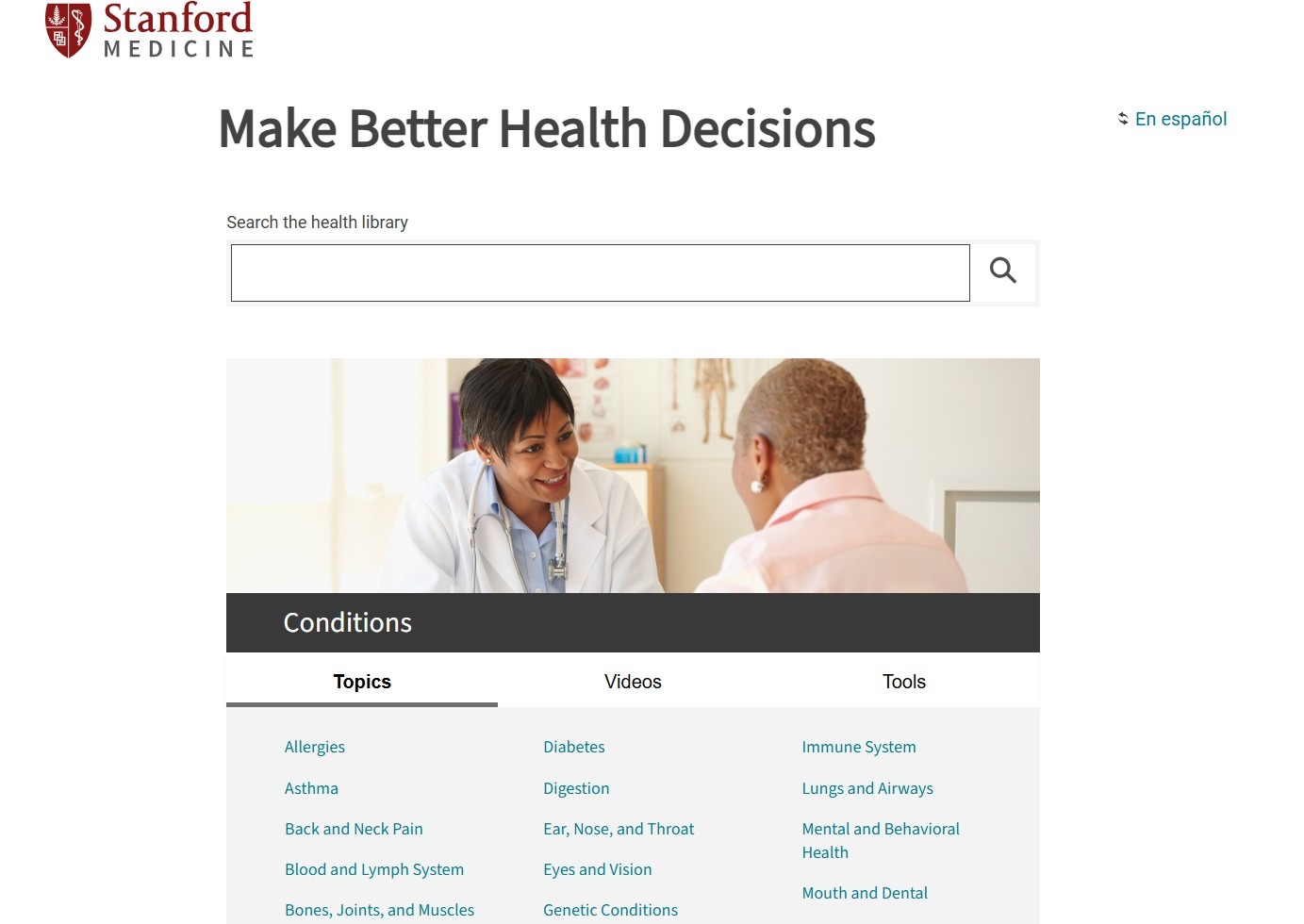
What they are: These tools provide patients with easy-to-understand health information based on their condition. Patients can learn how to manage chronic conditions or how to care for themselves after being released from surgery.
Why they matter: Education tools help patients understand their condition and the reasoning behind their treatment decisions. Patients who understand their condition and how to manage it often have better health outcomes.
Example: Healthwise provides a library of patient education content so they can find the right information about their condition.
10. Surveys and Feedback Tools
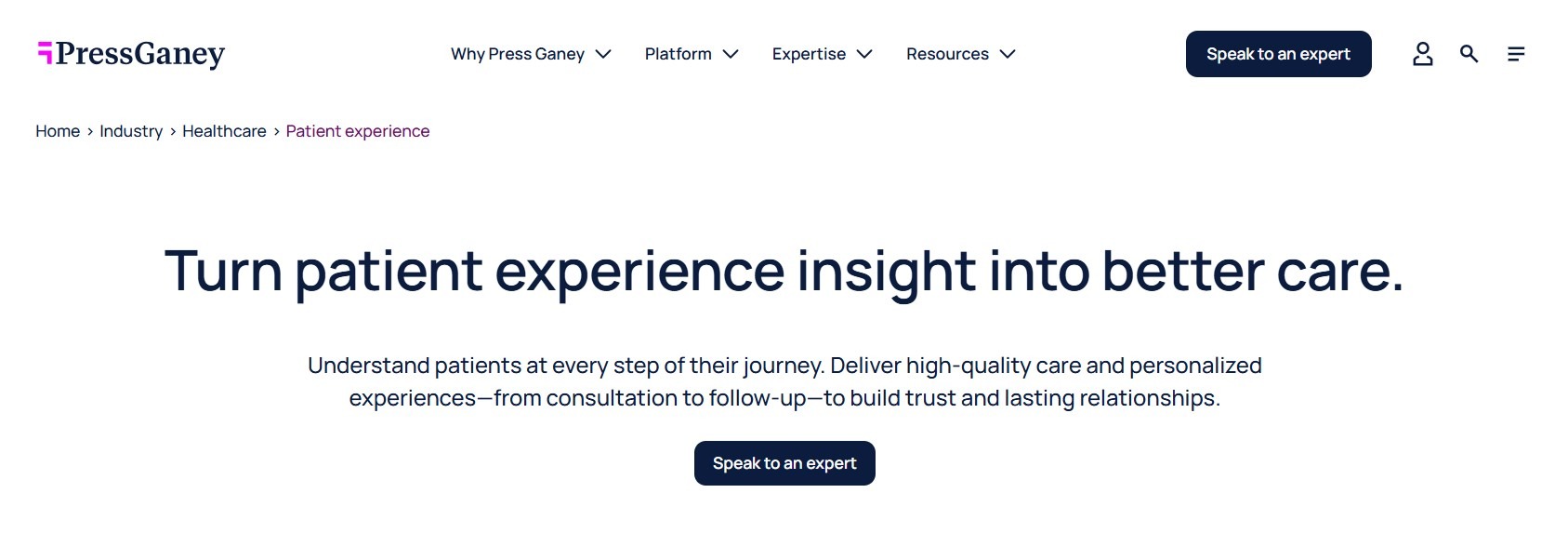
What they are: These tools send surveys to patients after their visits to collect feedback about their overall experience with providers.
Why they matter: Providers might not be aware of problems, so survey and feedback results help bring issues to the surface. These tools allow for targeted improvement to offer better care and patient retention.
Example: Press Ganey is a HIPAA-compliant survey tool. It allows you to build your own surveys and compare patient feedback to national data.
11. Care Coordination Tools
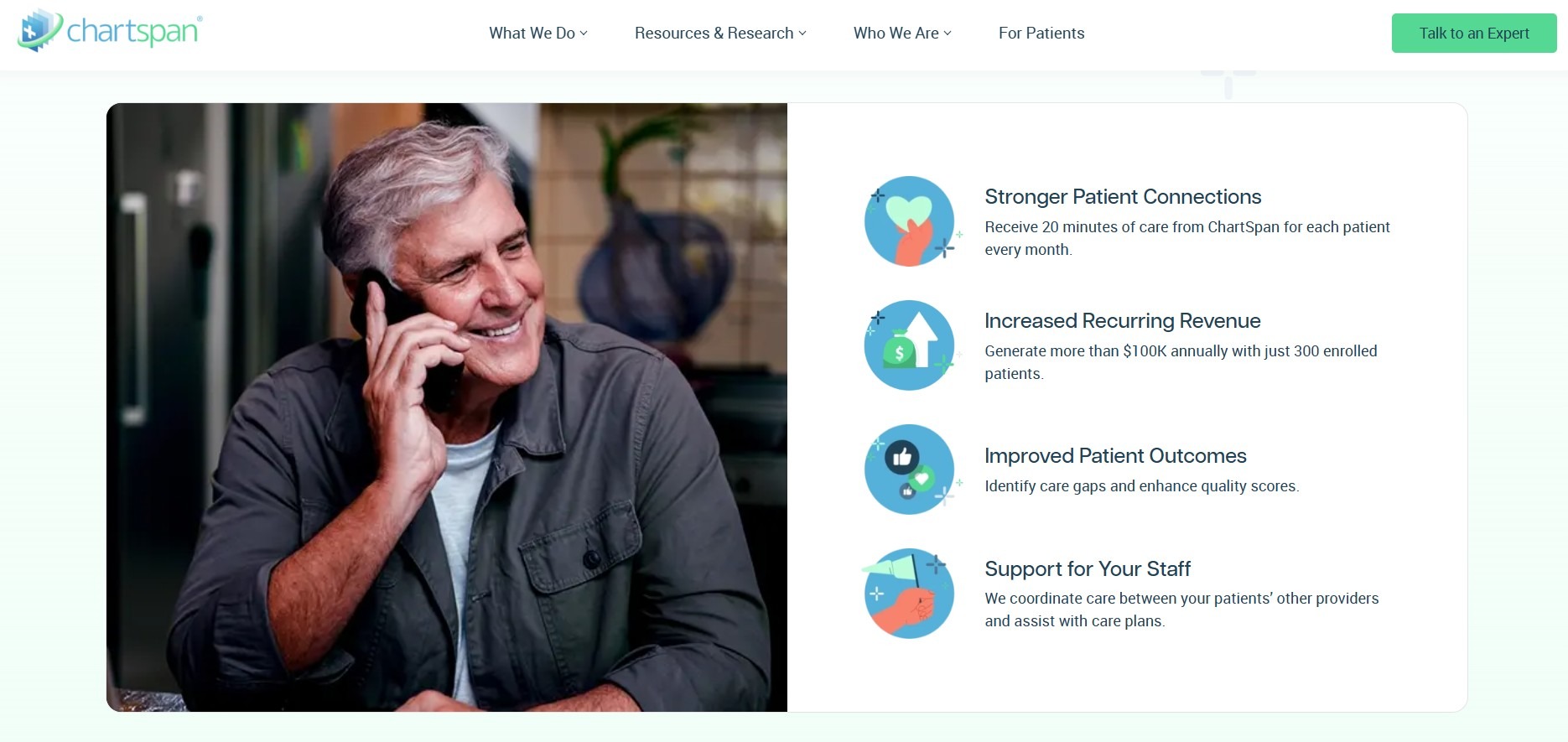
What they are: These platforms track tasks, referrals, and follow-ups across the care team. These tools prevent teams from overlooking tasks, even when care involves multiple departments or organizations.
Why they matter: When a patient sees multiple providers, gaps between them can cause care plans to fail. Coordination tools help make sure tasks don’t get missed, leading to better outcomes for patients with complex needs.
Example: ChartSpan supports complex care coordination across teams by aligning patient outreach, chronic care management, and real-time communication workflows.
12. Patient Follow-Up Systems
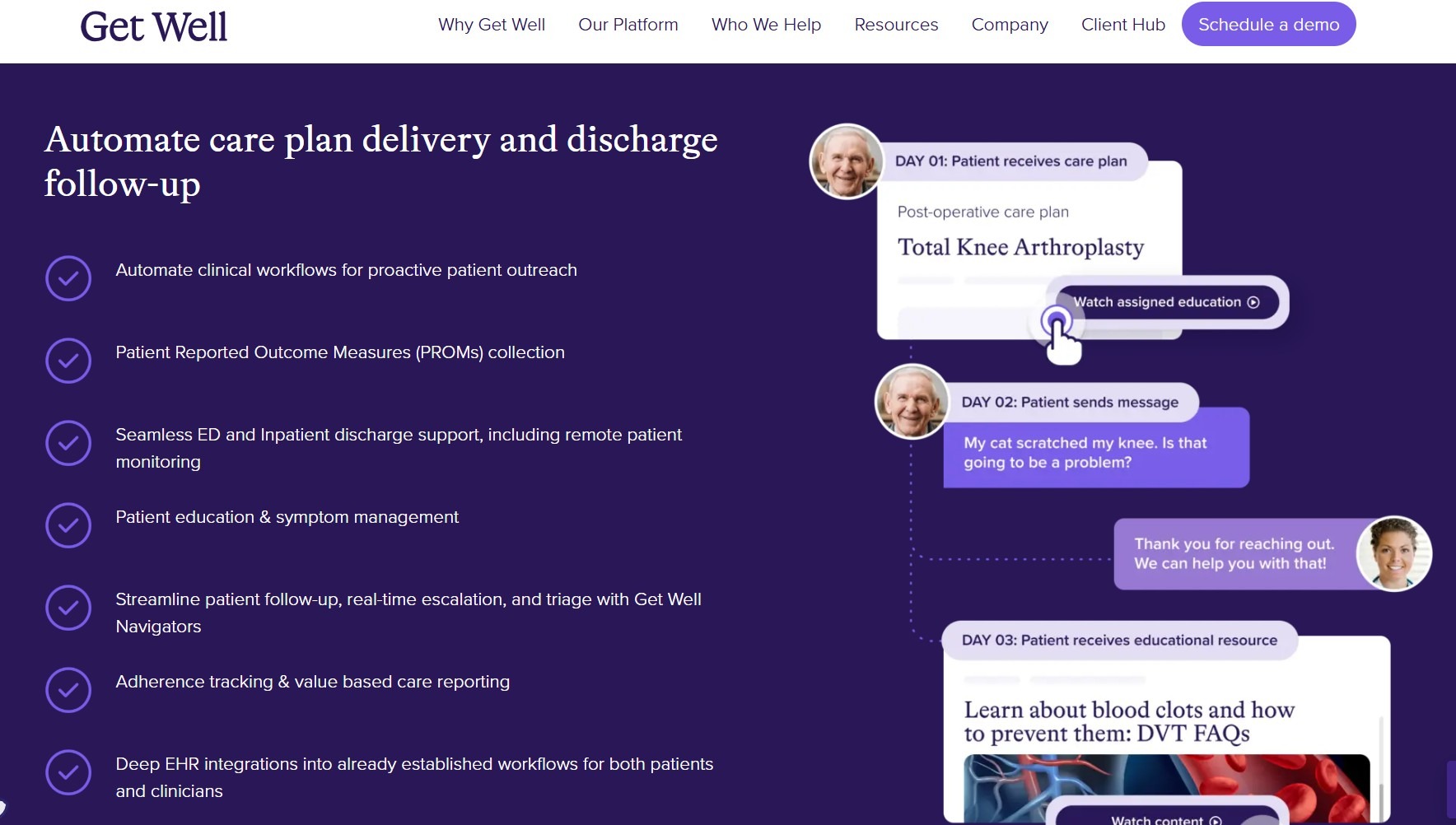
What they are: By contacting patients after visits, these systems confirm if patients picked up their prescriptions, understand their care instructions, and report any new symptoms early.
Why they matter: Sometimes, patients forget specific care instructions. Follow-up systems help them remember steps they must take to lower the chances of readmission or complications.
Example: Get Well offers a digital solution to provide guided support after specific procedures.
13. AI Chatbots
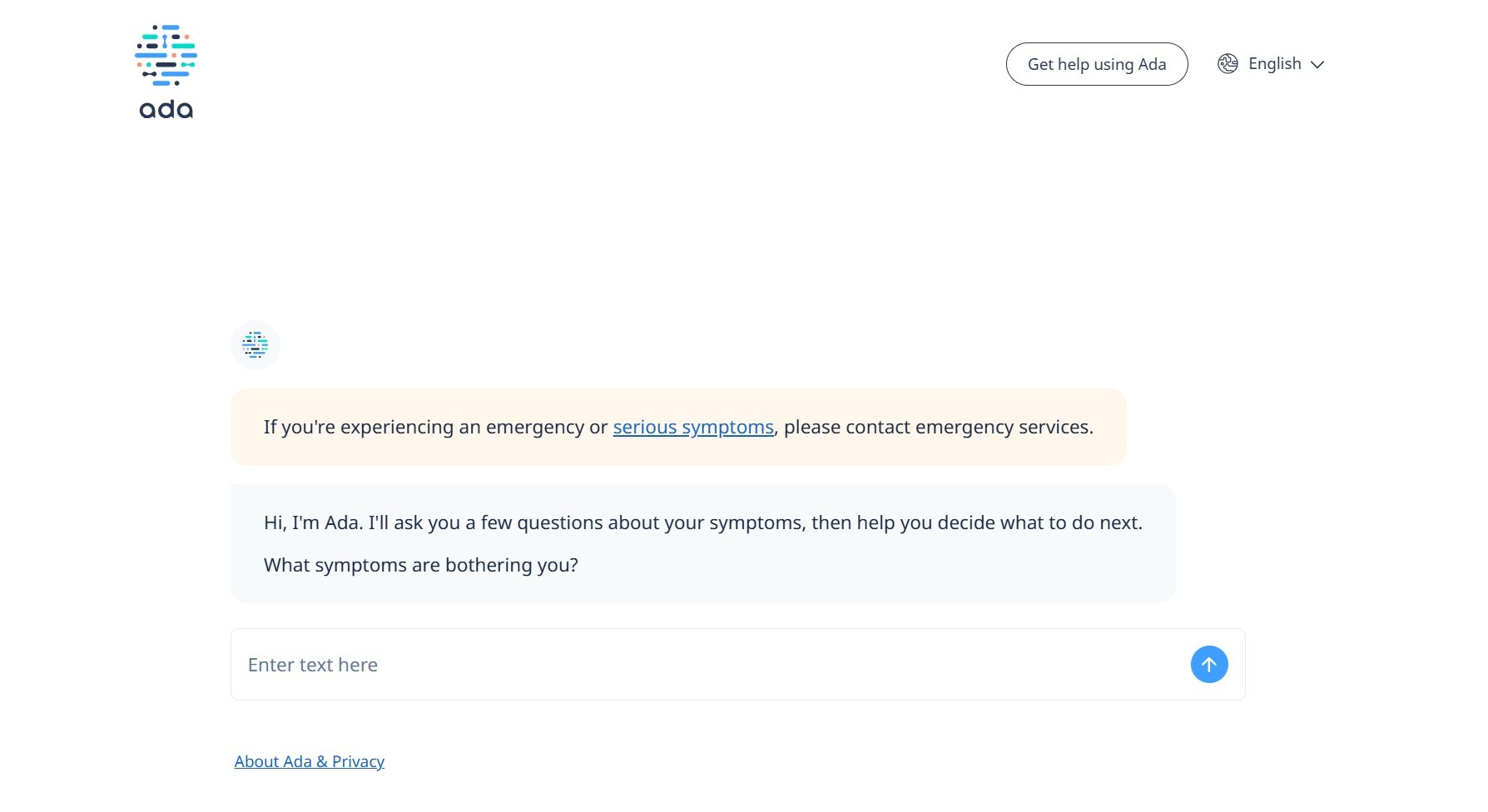
What they are: Conversational, HIPAA-compliant AI tools can handle symptom questions, pre-visit intake, and triage routing. They can direct patients to the appropriate level of care faster than traditional systems.
Why they matter: AI chatbots can answer simple questions right away, reduce staff workload, and help patients get the right care without returning to their provider.
Example: Ada Health checks the symptoms patients enter using a system trained on medical data. It gives them a clear assessment before they speak with a doctor.
14. Language Translation Tools
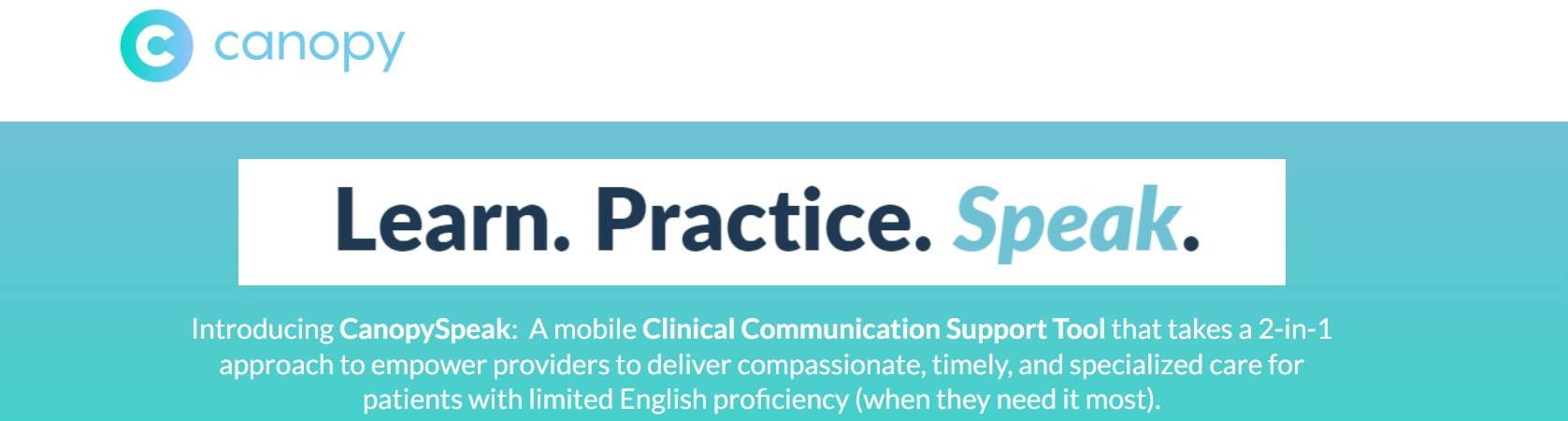
What they are: These tools provide real-time translation during care visits. They help staff communicate with patients who have limited English skills without needing a human interpreter.
Why they matter: Patients who can’t understand their care instructions are less likely to follow them. Translation tools help close the language gap during visits, improve safety, and improve care for patients who speak different languages.
Example: Canopy Speak, a translation tool built for healthcare settings, supports medical terms in many languages and helps staff talk with patients in real time.
How to Choose the Right Patient Engagement Tools
To choose the right patient engagement tools, you need to first define your workflows, patient needs, and integration requirements. Follow these pointers to decide which tools best suit your organization:
- Consider your practice size and patient volume: A solo provider with 300 patients most likely needs just a few simple tools, while a 12-provider group handling thousands of interactions needs something more advanced. Also, consider future growth, as your current tools may not suit your needs in 3-5 years.
- Your type of care: Practices that manage chronic conditions need tools for regular check-ins and ongoing communication. Specialty clinics that handle one-time visits need something simpler. If the tool doesn’t match your care model, patients will get messages that don’t feel relevant.
- Integrations with existing systems: The patient engagement tools you adopt should work smoothly with your EHR and billing systems. If they don’t connect, staff will have to enter the same data in multiple places, leading to missed follow-ups and more billing errors.
- How your patients relate to tech: Your patient population should shape how you communicate. Older patients may prefer phone calls or texts instead of apps. If you use tools that don’t match how your patients engage, response rates may drop.
The patient engagement tools you choose should match how your practice runs each day. If they don’t, staff workload increases, and it becomes harder to provide consistent care.
Build Your Own Patient Engagement Tools with Blaze
Most patient engagement tools are built for someone else's workflow. If you want to build your own tools, try Blaze. It’s our own no-code app builder that allows you to create customized tools like patient portals, messaging systems, and scheduling platforms.
Here's why more healthcare organizations go with Blaze:
- Speed meets security: Build and deploy patient engagement workflows far faster than traditional development methods while keeping strong security practices in place.
- No-code ease: Blaze's drag-and-drop builder lets non-technical teams create patient portals, intake forms, and automated communication workflows in days, sometimes hours, instead of weeks.
- Customizable clinical workflows: Every practice operates differently. Blaze lets you design custom workflows for appointment follow-ups, care gap alerts, patient intake, and data management that align with how your team actually works.
- Integrations: Connect your patient engagement tools with popular EHRs like Athenahealth and Cerner (Oracle Health), Doxy.me, and ScriptSure.
- Enterprise compliance: Blaze includes features such as audit logs and role-based permissions to support HIPAA requirements. It’s also HITRUST certified. Actual compliance depends on how each organization configures and uses the platform.
- Dedicated support: If you choose the enterprise plan, Blaze’s team provides hands-on onboarding and implementation support so your team can launch, test, and scale patient engagement apps confidently across departments.
Schedule a free demo today and learn how you can build customized patient engagement tools that fit your practice, not the other way around.
Frequently Asked Questions
1. What are the most important patient engagement tools to implement first?
The most important patient engagement tools to implement first are appointment scheduling, patient portals, and automated reminders. These tools are the most important because they directly affect patient-provider communication. They reduce no-shows, cut admin workload, and improve patient response rates quickly.
2. Do patient engagement tools improve clinical outcomes or just satisfaction?
Patient engagement tools improve clinical outcomes and patient satisfaction. Tools like remote patient monitoring and follow-up systems close care gaps. Messaging and education tools help patients follow their care plans, which leads to better health outcomes.
3. Do patient engagement tools need to be HIPAA compliant?
It depends. If the tool stores, transmits, or accesses protected health information (PHI), it must meet HIPAA standards. These standards include receiving a Business Associate Agreement (BAA) from the tool’s vendor and providing features that protect PHI, like encryption, audit logging, and role-based access. Choosing compliant platforms with signed BAAs protects your practice from costly violations and builds lasting patient trust.
Sources
1. U.S. Department of Health & Human Services. “Summary of the HIPAA Security Rule.” HHS.gov. https://www.hhs.gov/hipaa/for-professionals/security/laws-regulations/index.html
2. U.S. Department of Health & Human Services. “Security Rule Guidance Material.” HHS.gov. https://www.hhs.gov/hipaa/for-professionals/security/guidance/index.html
3. National Institutes of Health: StatPearls. “Health Insurance Portability and Accountability Act (HIPAA) Compliance.” NCBI. https://www.ncbi.nlm.nih.gov/books/NBK500019/
The Secure No-Code & AI Platform
Supercharge your team's operations and performance with better apps and tools.
Create custom apps fast
Secure & HIPAA compliant
Streamline complex workflows

The Secure No-Code Platform
Build apps with best-in-class security.
Related Articles
Discover related guides on healthcare no-code development, HIPAA compliance, security, integrations, and launching apps faster.
%20(1).png)
EHR Integration: Guide + 6 Platforms Compared | 2026
I’ve seen clinics lose hours before adopting an EHR integration tool. Compare methods, common workflow risks, and six platforms that simplify data exchange.
%20(1).png)
8 Top Custom Healthcare Software Development Options | 2026
I analyzed portfolios and feedback to rank 8 custom healthcare software development companies. Find the best fits for telehealth, EHRs, and monitoring apps.
.png)
Custom EHR Development: Methods, Features, & Steps (2026)
Custom EHR development varies widely based on integrations and workflow complexity. Compare 3 development options and costs to pick the right option for you.