
Table of contents
6 Best EHRs for Private Practice: Tested & Reviewed (2026)

Written by
Nanxi Liu

Reviewed by
Blaze Team
Expert Verified
The best EHRs for private practices are SimplePractice for therapists, TherapyNotes for insurance billing, and Blaze for customization. I evaluated 15 platforms using sample patient data and picked the top 6. Compare the best EHRs for different specializations so you can select the right one for your private practice.
How I Tested Each EHR
I tested 15 EHRs by using sample data and by building workflows that practices would follow. Here’s what I looked for:
- Workflow fit: Even the most feature-rich EHR fails if it breaks how your team operates. I tested each platform against visit types, scheduling, and patient record taking.
- Documentation and charting speed: A slow charting process adds time to clinician processes, taking time away from patients. To test this, I timed note completion across free-typing, templates, and voice tools.
- Billing and revenue cycle capabilities: Strong clinical care loses its value when revenue leaks out of the process. To test, I tracked sample encounters from coding through claim resolution and flagged issues that reduced revenue reliability.
- Flexibility and scalability: An EHR that can't grow when you’re onboarding new patients presents many issues. I tested how easily each system handled new providers, locations, and integrations without vendor support.
After each test, I ranked each EHR and picked the top 6 that performed the best for different practice needs.
6 Best EHRs for Private Practices: At a Glance
1. SimplePractice: Best for Therapists
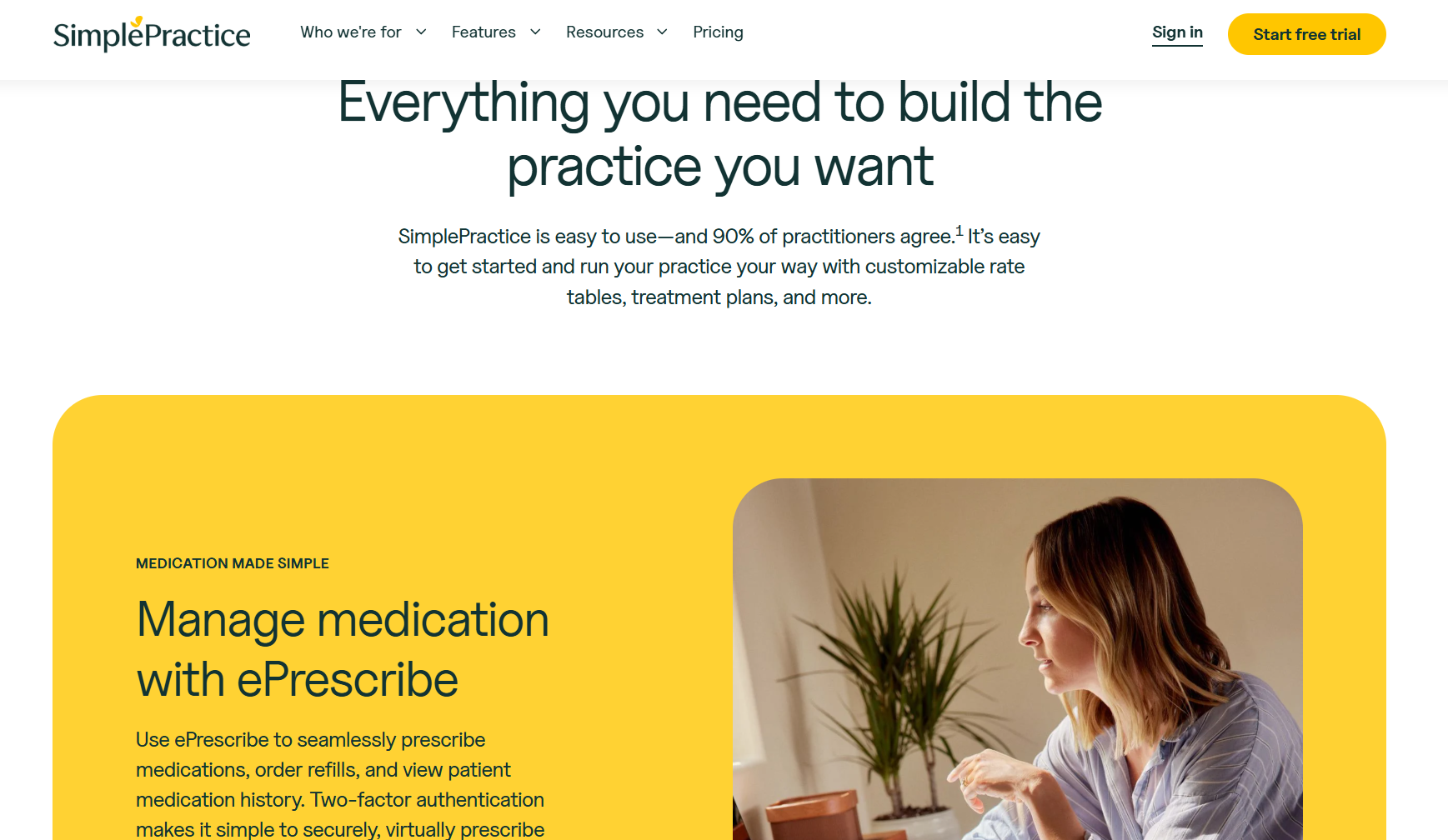
What it is: SimplePractice simplifies front-desk coordination, intake paperwork, and session scheduling for solo therapy practices.
Who it's for: Solo or small-group therapists who need admin support for scheduling and note-taking.
I tested SimplePractice’s intake tool from client invitation through the completed consent form. The automated paperwork pipeline handled document submissions well with no manual follow-ups needed on my end. This feature would probably speed up new-patient inflows.
But the EHR struggled when I configured it for a two-clinician group with separate medical billing profiles. I had to rely on clunky workarounds to make it function properly, so growing practices will likely run into scalability limitations.
Key Features
- Automated intake forms: Sends, collects, and stores client paperwork.
- Integrated telehealth: Built-in video sessions connect directly to the appointment and clinical note platform.
- Insurance billing tools: Submits claims and tracks payments within the platform.
Pros
- Intake automation: Clients complete all paperwork before arrival, removing manual follow-up.
- All-in-one billing: Insurance submission and payment tracking live inside one uninterrupted system.
- Telehealth integration: Video sessions launch from the calendar without third-party tools or link management.
Cons
- Group practice limits: Multi-practitioner billing options require workarounds.
- Specialty inflexibility: Clinical templates are therapy-specific, so other disciplines like cardiology and audiology might feel limited.
What Real Users Say
Pro:
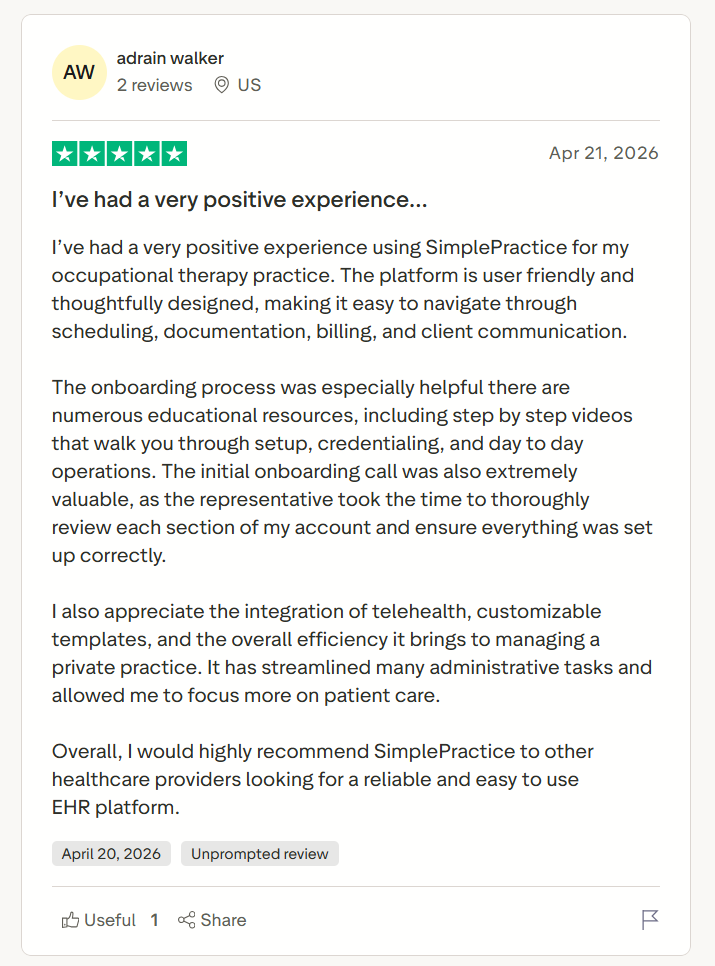
“I’ve had a very positive experience using SimplePractice for my occupational therapy practice. The platform is user friendly and thoughtfully designed, making it easy to navigate through scheduling, documentation, billing, and client communication.” - Adrian Walker, Trustpilot
Con:
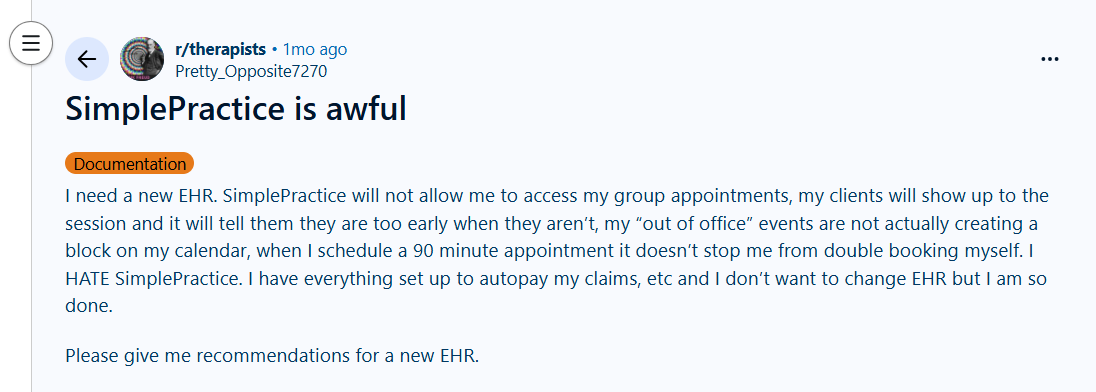
“I need a new EHR. SimplePractice will not allow me to access my group appointments, my clients will show up to the session and it will tell them they are too early when they aren’t, my “out of office” events are not actually creating a block on my calendar, when I schedule a 90 minute appointment it doesn’t stop me from double booking myself.” - Reddit user
Pricing
SimplePractice pricing starts at $49/month.
Bottom Line
SimplePractice fits solo therapists who need intake, scheduling, telehealth, and billing on one platform. If you need clinician-level billing separation and deeper reporting, TherapyNotes is an excellent option.
2. TherapyNotes: Best for Insurance Billing
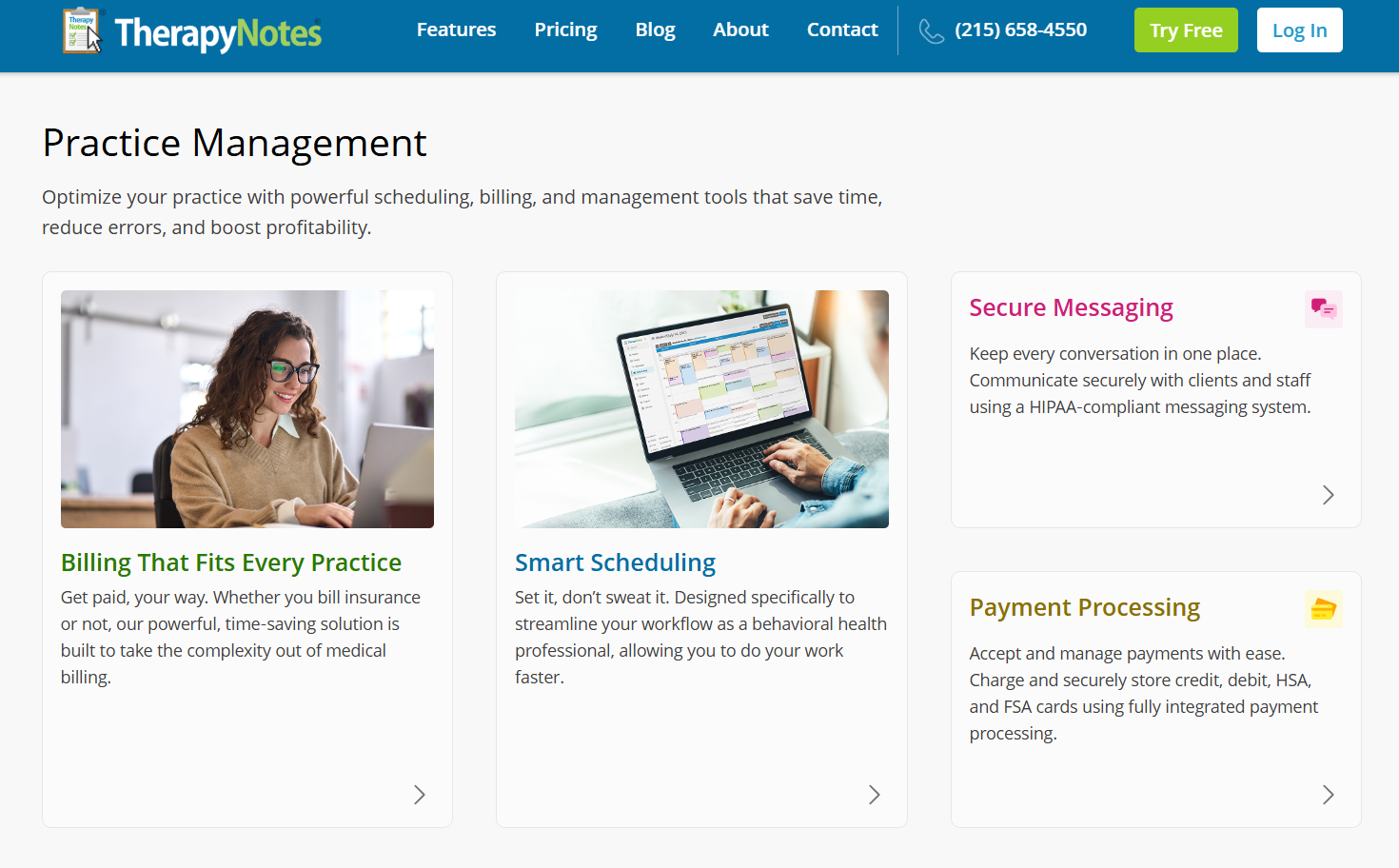
What it does: TherapyNotes handles manual claim submission, ERA reconciliation, and insurance follow-up for therapy practices.
Who it's for: The platform suits therapy practices that regularly resubmit denied claims and chase reimbursements every billing cycle.
During testing, the insurance billing feature pulled diagnosis codes directly from the clinical note and pre-populated the claim. The workflow didn’t need any manual transfer, which would help speed up insurance claim processing for front desk staff.
The scheduling interface was dated compared to similar platforms. Appointment management required moving through many tabs, which could slow down scheduling ops.
Key Features
- Integrated claim submission: Sends claims directly to payers from completed session notes without manual export.
- Diagnosis code linking: Pulls ICD-10 codes from the clinical note directly into the billing record.
- Denial management queue: Finds rejected claims with payer reason codes and resubmission tools in one view.
Pros
- Billing accuracy: Claim data pulls from clinical notes, cutting the most common source of submission errors.
- Denial workflow: Rejected claims include reasons with codes attached, skipping the manual payer lookup step.
- Specialty focus: Every billing template reflects therapy-specific coding, reducing configuration time before go-live.
Cons
- Scheduling interface: The dated calendar design will most likely slow down appointment booking.
- Telehealth limitations: The built-in video tool lacks the session quality and reliability of dedicated telehealth platforms.
What Real Users Say
Pro:
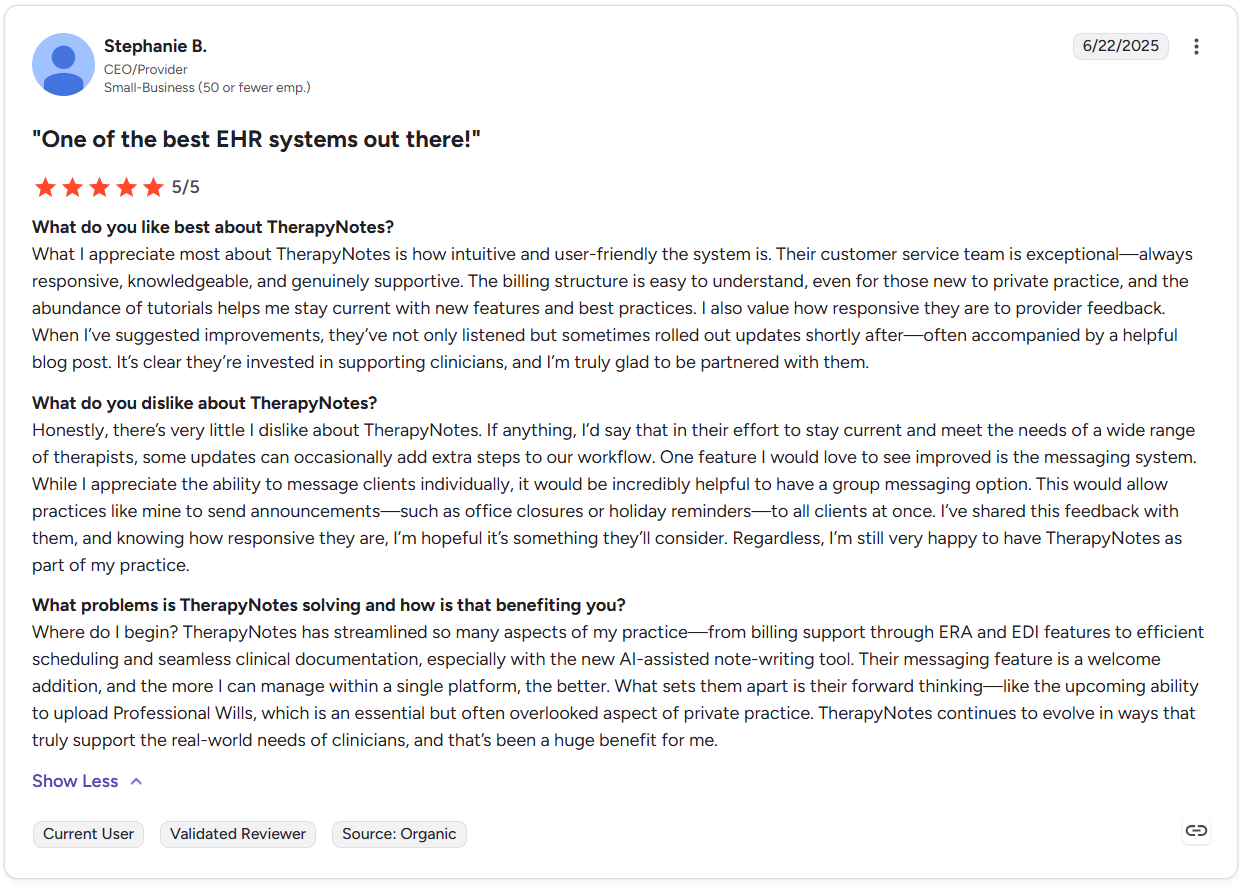
“What I appreciate most about TherapyNotes is how intuitive and user-friendly the system is. Their customer service team is exceptional—always responsive, knowledgeable, and genuinely supportive. The billing structure is easy to understand, even for those new to private practice, and the abundance of tutorials helps me stay current with new features and best practices.” - Stephanie B., G2
Con:
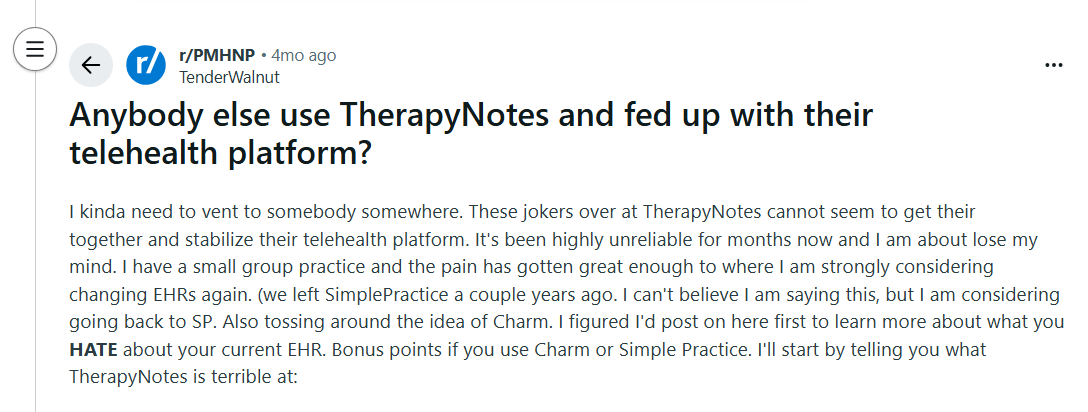
“I kinda need to vent to somebody somewhere. These jokers over at TherapyNotes cannot seem to get their — together and stabilize their telehealth platform. It's been highly unreliable for months now and I am about lose my mind. I have a small group practice and the pain has gotten great enough to where I am strongly considering changing EHRs again.” - Reddit User
Pricing
TherapyNotes pricing starts at $69/month.
Bottom Line
TherapyNotes works for insurance billing and claims. Practices that prioritize telehealth quality or a modern scheduling experience will find SimplePractice a better alternative.
3. Blaze: Best for Customized EHRs
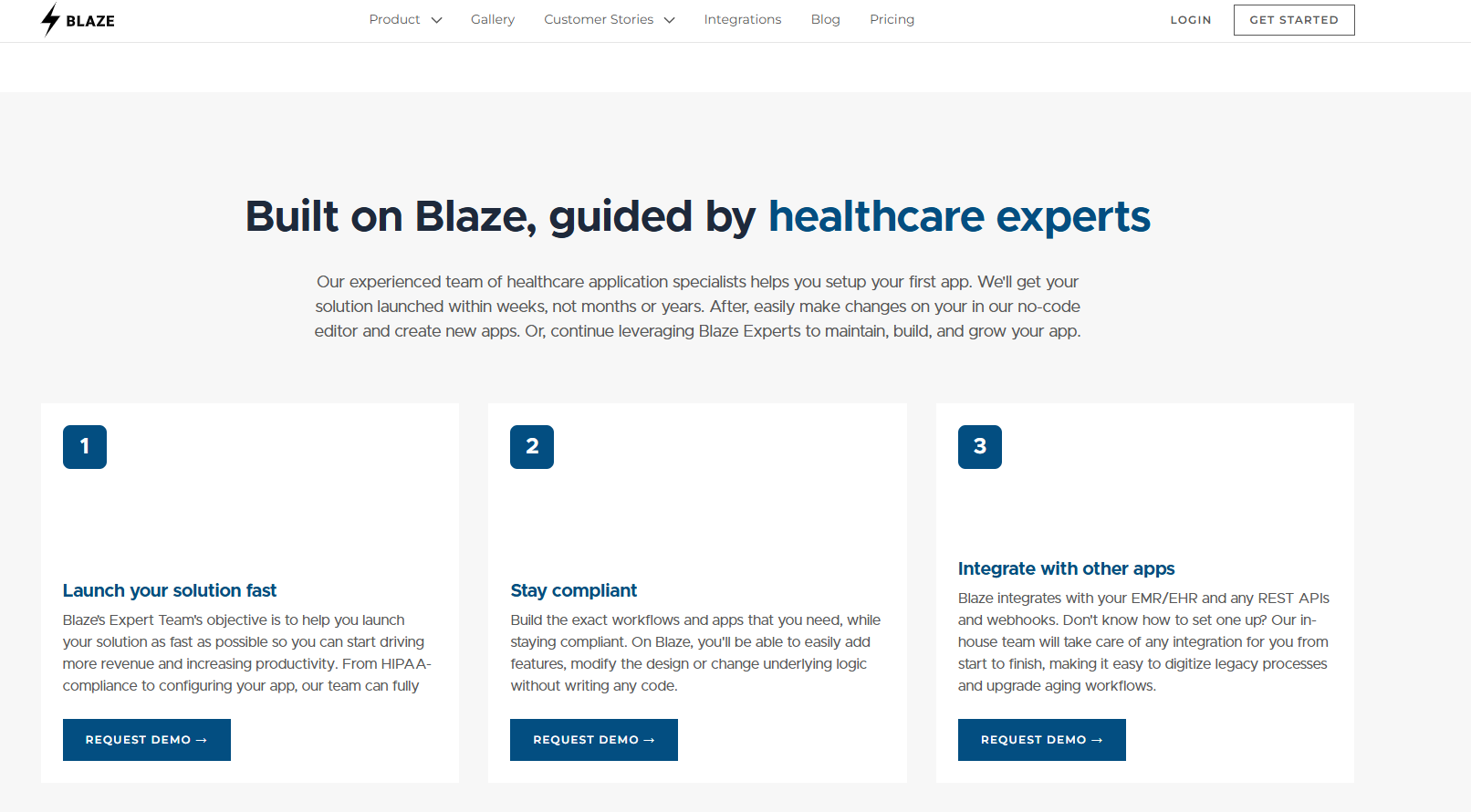
What is it: Blaze is a healthcare app development company that can custom-make EHRs, integrations, and other healthcare apps for private practices.
Who it’s for: We built Blaze to serve mid to large-sized healthcare organizations that want a customized, all-in-one EHR that reduces jumping between spreadsheets and other apps.
I had our team develop a custom sample EHR that could replace an out-of-the-box solution like TherapyNotes. The test EHR instantly generated sample intake forms based on the exact rules I gave the development team.
When a mock-patient submitted a form, it automatically routed to a therapist for an appointment. This feature differed from premade systems because I controlled the exact intake rules, routing conditions, and therapist assignment rules. I didn’t have to force my workflow into fixed templates and limited automation settings.
But Blaze is likely not the best fit for private practices that are comfortable with an out-of-the-box EHR and don’t plan to scale their patient volume or provider network.
Key Features
- AI workflow automation: Embeds AI chat assistants and automated data generation directly into your EHR.
- Custom data objects: Stores non-standard clinical data points that default EHR schemas routinely reject.
- Role-based access control: Limits chart and workflow visibility by staff role without IT configuration overhead.
Pros
- Deep configurability: The team builds processes around a unique process instead of bending to a vendor template.
- Automation depth: Multi-step care protocols run without manual coordination.
- Data flexibility: Non-standard clinical data gets captured and stored without re-configuring existing field structures.
Cons
- Set up investment: Even though Blaze offers faster deployment times than most agencies, you’ll need to communicate with the team and wait for the final product.
- No specialty defaults: Blaze typically doesn’t offer pre-built templates for common specialties.
What Real Users Say
Pro:
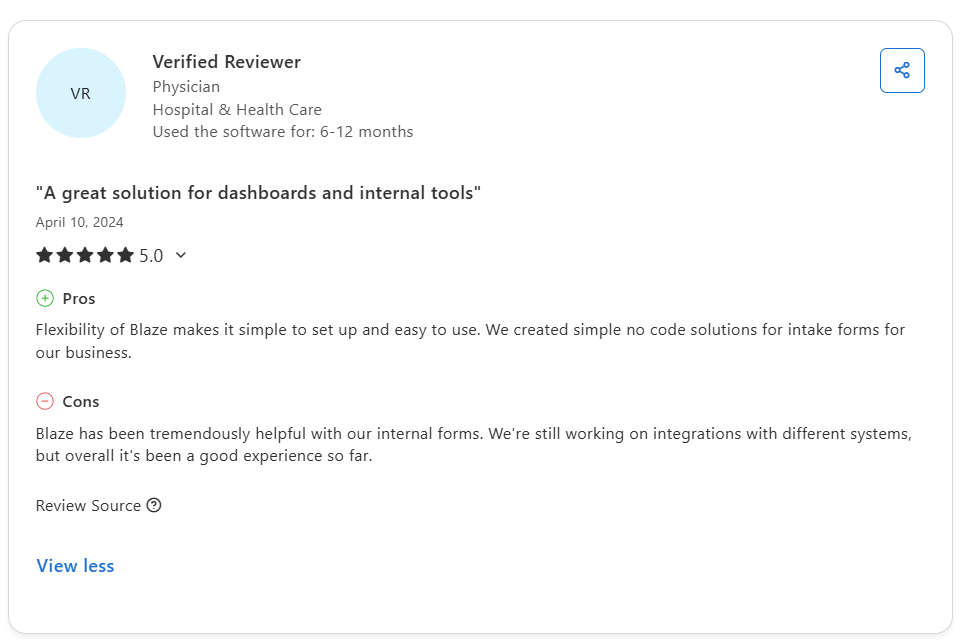
“Unlike other tools that feel either too limited or overly complex, Blaze strikes a great balance. Solid enterprise grade features while remaining incredibly user friendly. I really like the multi-environment deployment, something I didn't see other platforms offer... We also have AI used in various projects.” - Julian C., G2
Con:
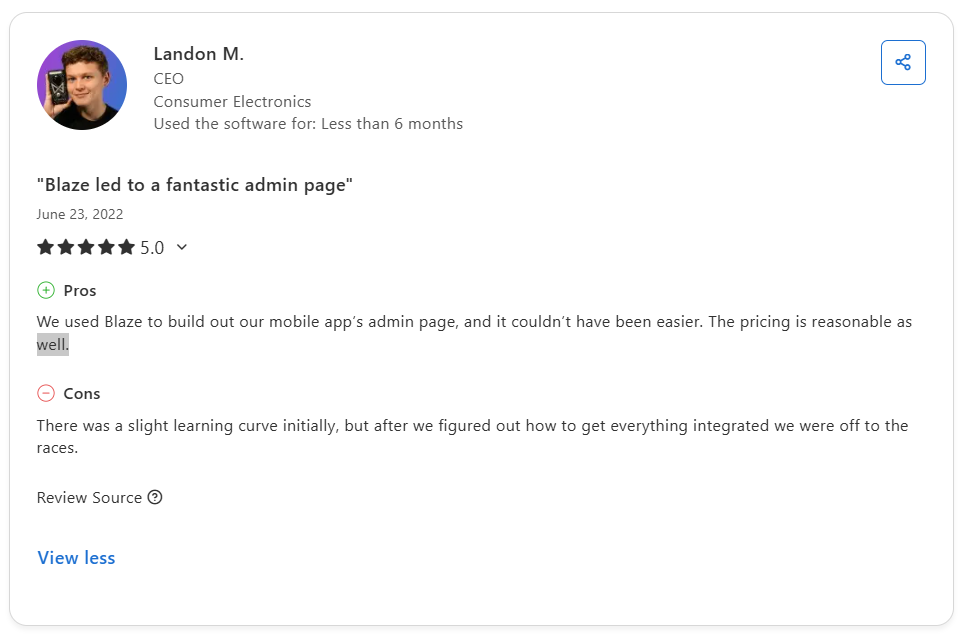
“Template library could be more extensive; limited options often require starting from scratch, which can be time-consuming.” AI Review site
Pricing
Blaze offers customized pricing for building HIPAA-enabling features. Contact the team for more information.
Bottom Line
Blaze is the best fit for practices that need to integrate several tools into one EHR, and it also meets the needs of providers who want a customized solution. If your priority is fast deployment, try SimplePractice.
4. Healthie: Best for Wellness and Cash-Pay Practices
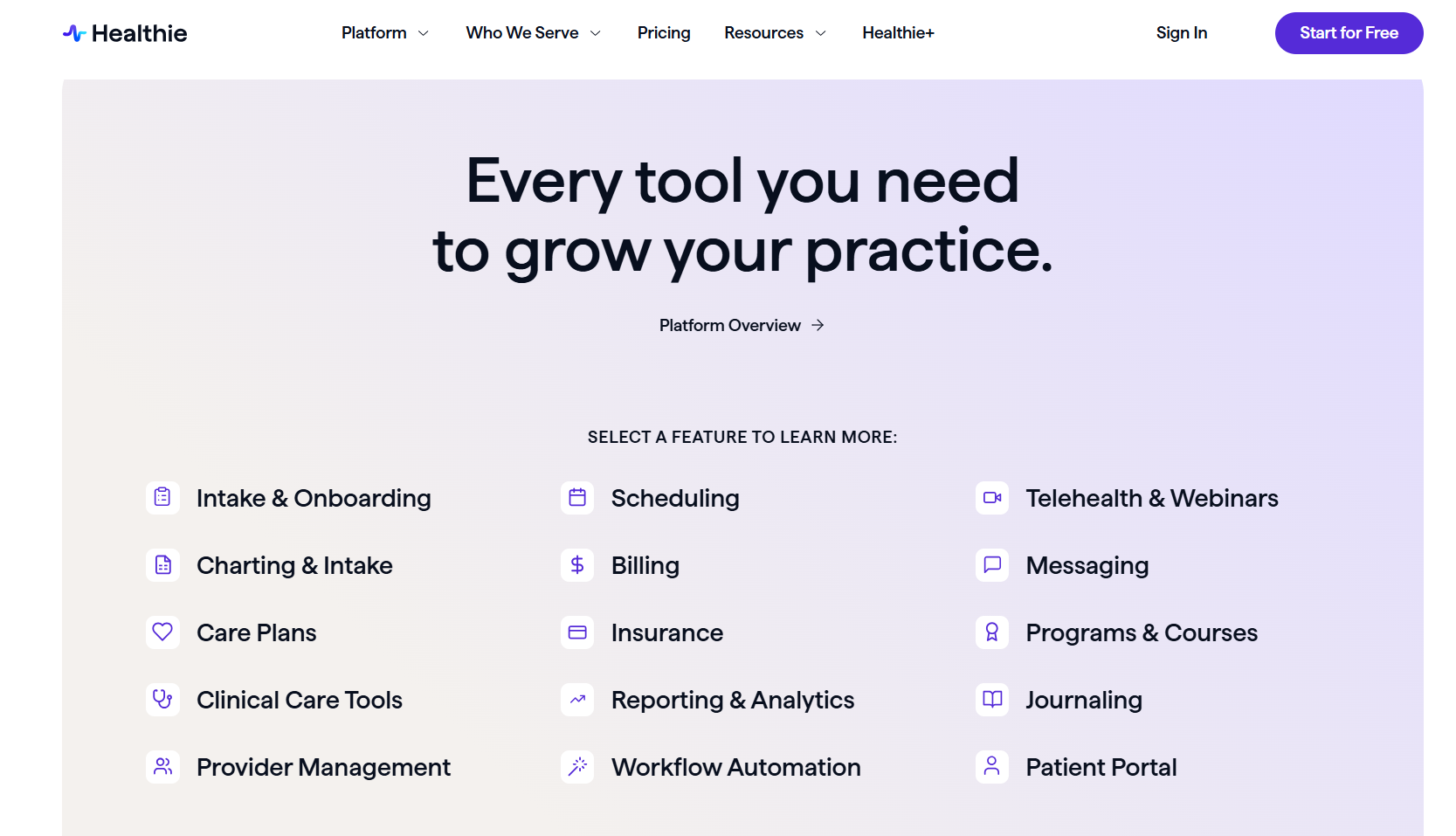
What it does: Healthie provides a single platform for booking, payment, and nutrition tracking tools.
Who it’s for: Wellness providers running package-based or membership care.
I tested Healthie's client onboarding flow by running a new patient intake form. The sequence ran automatically without any manual handoff between scheduling and intake, which would reduce documentation time for busy therapists. But the tool required workarounds when faced with insurance claims, as it’s optimized for cash-only workflows.
Key Features
- Package and program builder: Structures multi‑session care packages and programs with linked payments, scheduling, and check‑ins in a single record.
- Telehealth integration: Offers HIPAA‑enabled video visits launched from the appointment record via Healthie’s built‑in telehealth, integrated with Zoom.
- Nutrition and wellness logging: Captures food intake and metrics through the client app and surfaces that data directly in the clinical chart.
Pros
- Cash‑pay: Package billing and memberships run inside a single tool, which is attractive for nutrition and wellness practices with significant direct‑pay revenue.
- Client self‑service: Patients can handle scheduling and payments through the portal and mobile app, cutting the number of manual front‑desk touchpoints per visit.
- Wellness data capture: Food logs, metrics, and symptom tracking live directly in Healthie’s portal and chart.
Cons
- Insurance billing depth: Healthie offers some insurance claims and clearinghouse integrations, but practices that are heavily insurance‑driven often find its billing less helpful than dedicated insurance‑first EHRs.
- Clinical template range: Prebuilt infrastructure is strong for nutrition, wellness, and coaching, so other specialties may need more customization to match their documentation needs.
What Real Users Say
Pro:
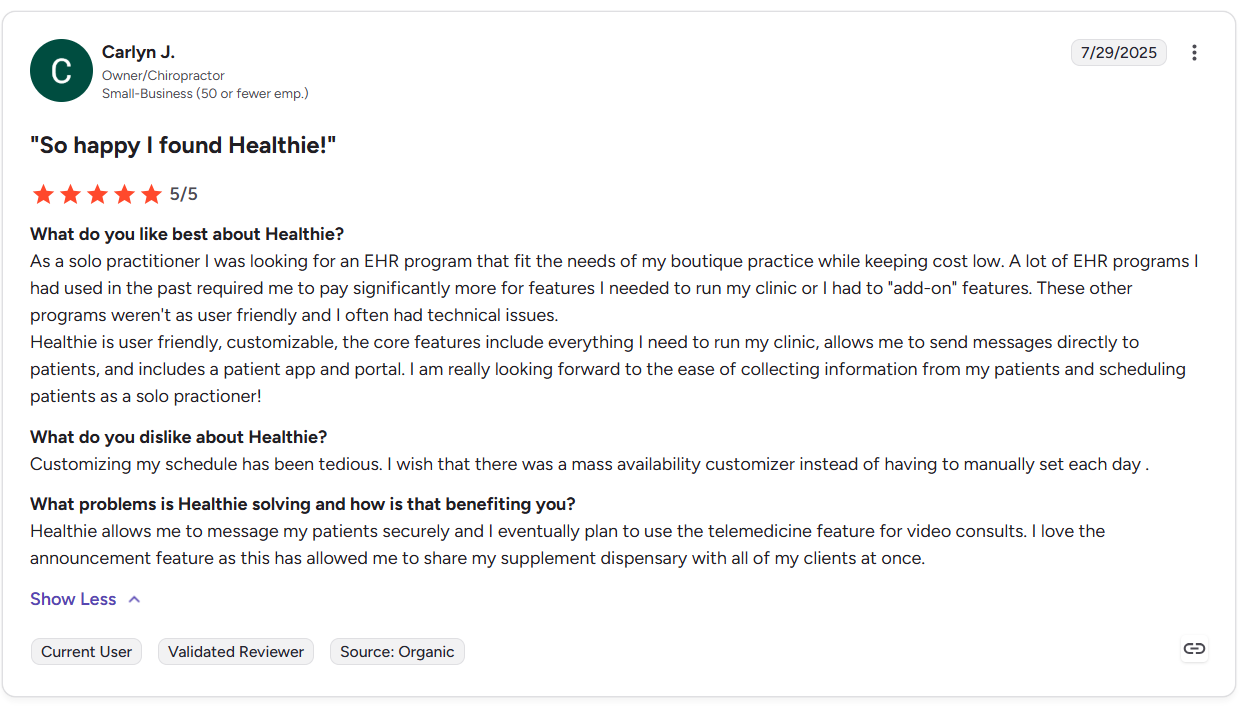
“Healthie is user friendly, customizable, the core features include everything I need to run my clinic, allows me to send messages directly to patients, and includes a patient app and portal. I am really looking forward to the ease of collecting information from my patients and scheduling patients as a solo practioner!” Carlyn J., G2
Con:
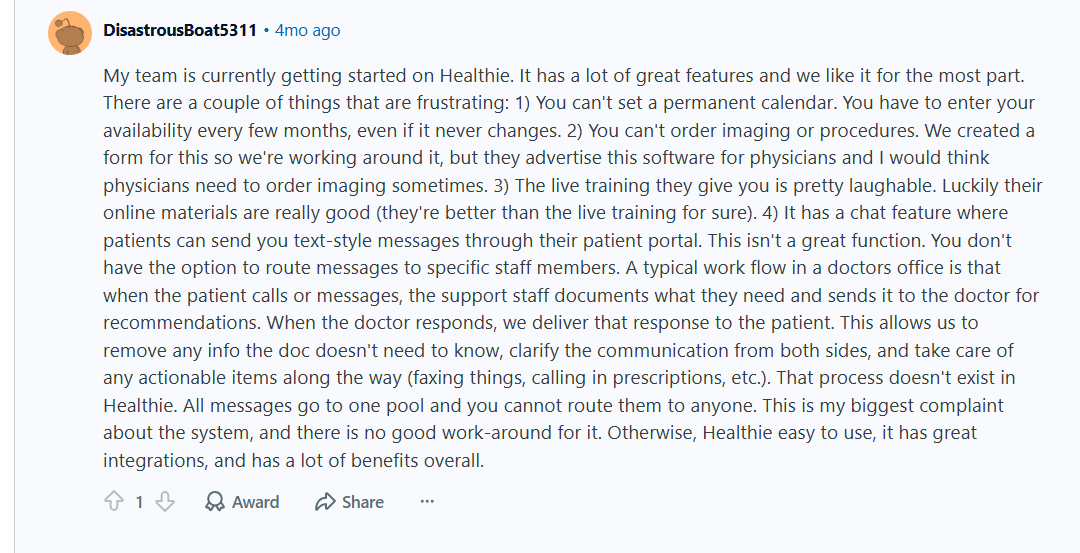
“There are a couple of things that are frustrating: 1) You can't set a permanent calendar. You have to enter your availability every few months, even if it never changes. 2) You can't order imaging or procedures. We created a form for this so we're working around it, but they advertise this software for physicians and I would think physicians need to order imaging sometimes.” - Healthie user on Reddit
Pricing
Start using Healthie for $19.99/month.
Bottom Line
Healthie is a good EHR for private practices with a revenue model leaning on packages, memberships, and direct‑pay wellness programs. For organizations whose workflows are centered on insurance reimbursement, try a platform like TherapyNotes.
5. Upheal: Best for AI-Powered Documentation
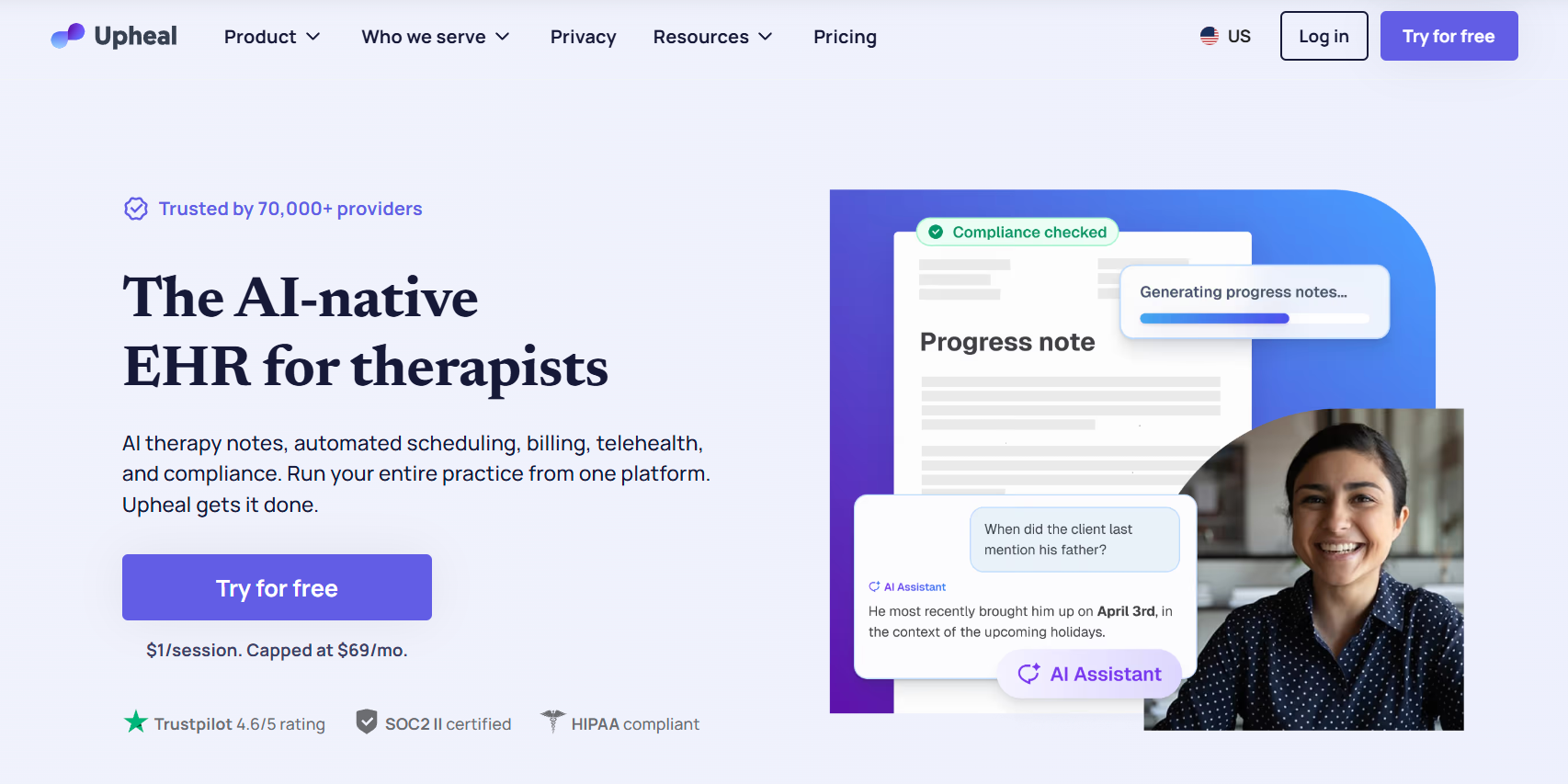
What it does: Upheal uses AI to “listen to” and record therapy sessions and then write the clinical note.
Who it's for: The tool suits providers with several back-to-back sessions and zero time to chart between them.
During testing, I used the note generation feature for a simulated therapy session. Upheal produced a structured therapy note with clinically relevant language grounded in the session content. After a quick edit and review, I could provide finalized session documentation in minutes, which would save busy therapists loads of time when completing notes.
Although Upheal now includes scheduling and payment features, Upheal offers less customization than some competing tools. For example, practices with multiple providers may have trouble setting up complex scheduling workflows or custom billing rules.
Key Features
- AI session transcription and notes: Converts session audio and summaries into structured therapy notes with minimal manual typing.
- SOAP, DAP, and more: Supports multiple note formats (SOAP, DAP, BIRP, GIRP, EMDR, MSE, and others) with customizable templates.
- Transcript‑linked editing: Lets providers review and correct AI‑generated notes directly against the original session transcript and key highlights.
Pros
- Post‑session time: AI drafts often cut documentation from a full 15–20 minute write‑up to a much shorter review and edit pass.
- Note quality: Therapy‑specific language and templates reduce how much rewriting is needed per note compared with generic dictation tools.
- Transcript pairing: Side‑by‑side transcript and note review make it easier to catch AI errors without replaying full recordings.
Cons
- Practice management scope: Organizations with complex insurance billing workflows or multiple clinic locations may still need a more advanced EHR for their private practice.
- Specialty focus: The AI mainly suits behavioral health, so performance and fit are best for therapy use cases and less suited to other medical specialties.
What Real Users Say
Pro:
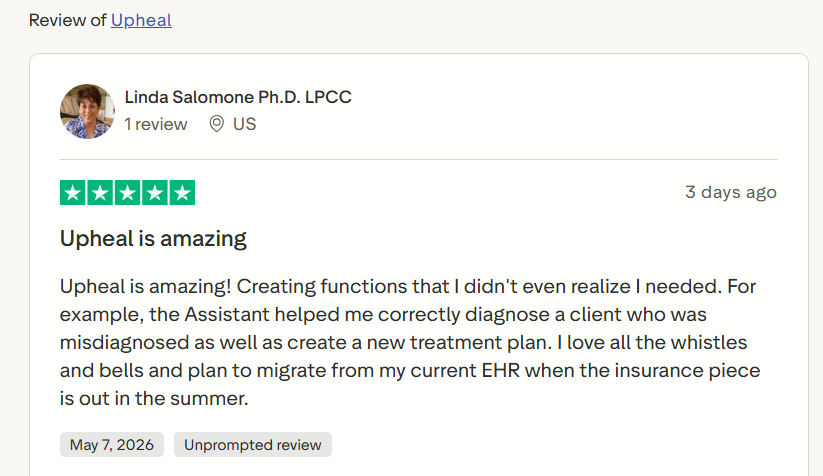
“Upheal is amazing! Creating functions that I didn't even realize I needed. For example, the Assistant helped me correctly diagnose a client who was misdiagnosed as well as create a new treatment plan.” - Linda Salomone, Trustpilot
Con:
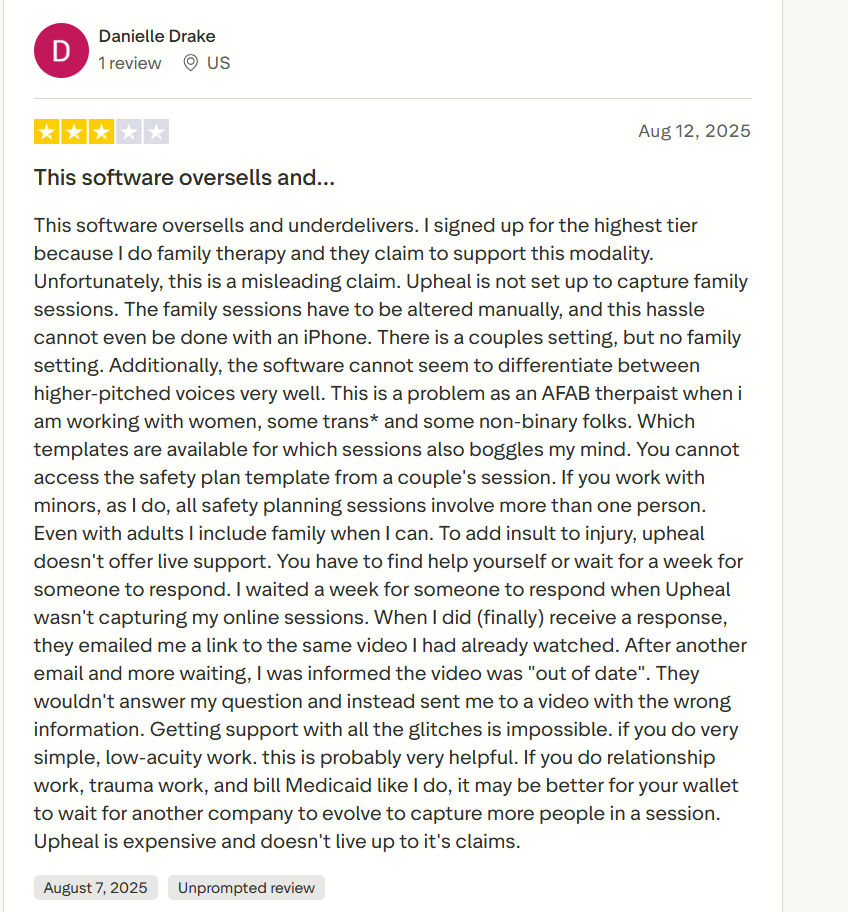
“This software oversells and underdelivers. I signed up for the highest tier because I do family therapy, and they claim to support this modality. Unfortunately, this is a misleading claim. Upheal is not set up to capture family sessions. The family sessions have to be altered manually, and this hassle cannot even be done with an iPhone.” Danielle Drake, Trustpilot
Pricing
Upheal pricing starts at $1 per session, with a cap of $69/month per provider.
Bottom Line
Upheal fits therapists and counselors who have a high demand for note-taking and documentation by reducing documentation tasks with its AI tools. But if you need a more conventional EHR with reliable scheduling and record keeping, try SimplePractice.
6. Athenahealth: Best for Growing Multi-Provider Practices

What it does: Athenahealth is an EHR for private practice that runs billing, clinical documentation, and patient engagement across multiple providers from one connected platform.
Who it's for: Growing multi-provider practices where billing errors, care gaps, and coordination breakdowns are already costing money.
I tested Athenahealth's multi-provider scheduling workflow across a simulated three-clinician primary care group. The platform handled provider-specific availability and appointment types automatically, which would speed up the admin workflow.
However, implementing the scheduling flow required detailed configuration, calendar mapping, and permission setup, which would require additional resources for most teams.
Key Features
- Network data advantage: Athenahealth’s large payer and provider network feeds AI-driven rules and payer-specific trends that help improve claim accuracy and documentation.
- Multi‑provider scheduling: Centralizes provider calendars and appointment types so staff can manage schedules and coordination across multiple clinicians from one view.
- Patient engagement tools: Combines patient portals, reminders, and messaging tools to automate appointment reminders and follow‑up outreach across the patient panel.
Pros
- Pre‑submission scrubbing: The system flags claim issues before they reach payers, using network‑driven rules to improve first‑pass claim accuracy.
- Multi‑provider coordination: EHR, scheduling, and revenue cycle tools can scale across multiple providers within a single, integrated platform.
- Network data advantage: Athenahealth’s large payer and provider network feeds AI‑driven rules and payer‑specific trends that help improve claim accuracy and documentation.
Cons
- Long implementation time: Athenahealth’s complex platform has a training curve, which can be challenging for practices without dedicated administrative support.
- Solo practice overhead: Many small or solo practices find the platform more complex than what they need.
What Real Users Say
Pro:
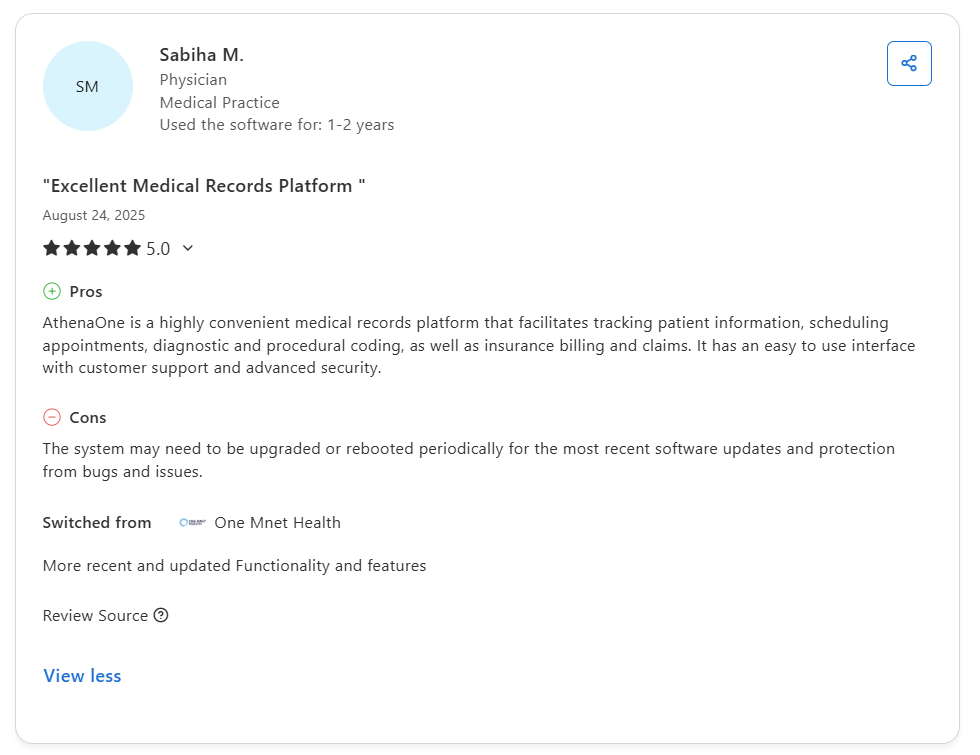
“AthenaOne is a highly convenient medical records platform that facilitates tracking patient information, scheduling appointments, diagnostic and procedural coding, as well as insurance billing and claims. It has an easy-to-use interface with customer support and advanced security.” - Sabiha M., Capterra
Con:
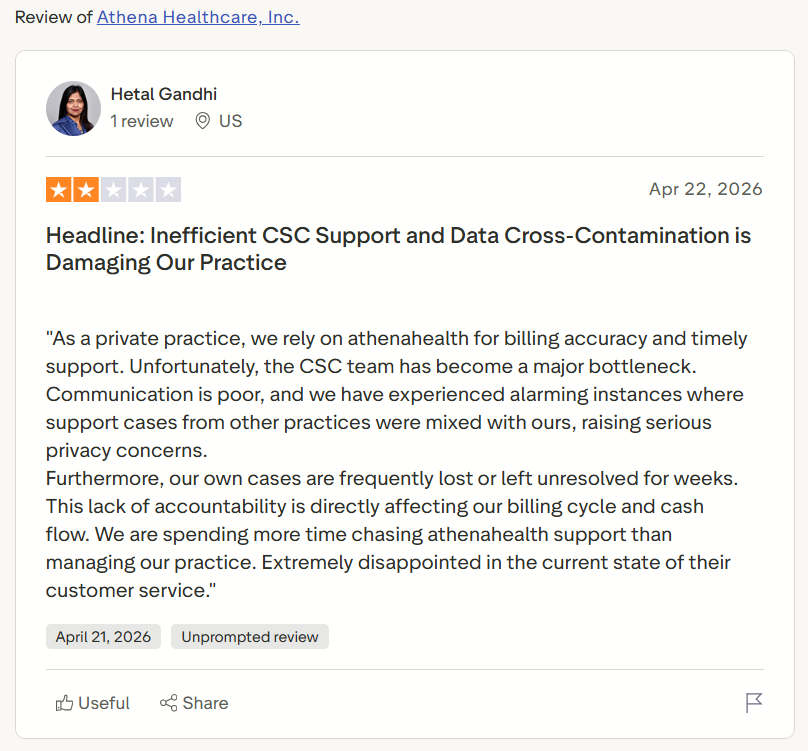
“As a private practice, we rely on athenahealth for billing accuracy and timely support. Unfortunately, the CSC team has become a major bottleneck. Communication is poor, and we have experienced alarming instances where support cases from other practices were mixed with ours, raising serious privacy concerns.” - Heather Gandi, Trustpilot
Pricing
Contact Athenahealth’s team for custom pricing plans.
Bottom Line
Athenahealth is a great EHR fit for larger private practices and enterprise providers. If you need custom workflows without long implementation times, try Blaze.
My Final Verdict: Which EHR Should You Choose?
Each of these 6 platforms is a strong choice of EHR for private practices. But each one suits a different use case. Here’s how to pick out the right one for your organization:
Choose SimplePractice If You:
Are running a solo therapy practice and need intake, telehealth, scheduling, and billing managed in one place.
Choose TherapyNotes If You:
Have a high number of insurance claim submissions, and your monthly revenue depends on clean first-pass claims and fast denial turnaround.
Choose Blaze If You:
Want a fully custom EHR tailored to your workflow, and want to access all your apps in one place.
Choose Healthie If You:
Run a cash-pay practice or service with revenue that comes from packages, memberships, or direct-pay programs, and insurance billing isn’t part of your daily operation.
Choose Upheal If You:
Are a behavioral health professional, and you spend too much time on post-session notes and don’t need a billing and scheduling system.
Choose Athenahealth If You:
Manage multiple providers and have a large or growing practice.
Avoid EHR for Private Practice If You:
Are in a specialty like oncology, radiology, or surgical care where documentation requirements and procedure coding demand a purpose-built EHR.
Let Blaze Build a Customized EHR for Your Private Practice
Running a private practice means your EHR should work around your workflows, not the other way around. Blaze builds custom EHR solutions designed specifically for independent providers who need flexibility, compliance, and speed without enterprise-sized bloat.
Here's why more private practices are going with Blaze:
- Get a secure EHR built specifically for your practice: Receive production-ready software like custom patient portals, telehealth apps, and clinical databases tailored to how your practice actually operates.
- Go live faster than traditional development: Launch your custom EHR in weeks, not months, with a project manager, healthcare developer, and integration engineer working in lockstep.
- Modern features built for real clinical workflows: Supports healthcare AI workflows like automated patient intake and clinical data extraction, plus secure EHR integrations and interoperability designed for how private practices see patients.
- Compliance-ready: Blaze is a HIPAA-enabling, HITRUST e1-certified, SOC 2 Type II healthcare app development platform, so your practice stays protected without the compliance headache.
Schedule a free build consultation call today and see how Blaze can help with disconnected systems that are costing you time between patient visits.
Frequently Asked Questions
Are HIPAA-Enabling Features Required for an EHR for Private Practices?
Yes, if your EHR stores or transmits protected health information (PHI), it must have HIPAA-enabling features that meet the HIPAA Security Rule standards. HIPAA-enabling features are encryption, role-based permissions, and audit logs. Avoiding HIPAA-enabling features exposes your practice to audits, fines, and data breaches.
Can You Switch EHRs Without Losing Patient Records?
Yes, you can switch EHRs without losing patient records. Most modern EHRs support data export and migration. However, transferring data to a new EHR requires careful planning. Choosing a platform with structured data export and integration support, like Athenahealth or Blaze, can help avoid losing your records during transitions.
What Integrations Should an EHR for Private Practice Include?
Integrations that an EHR for private practice should include are those with scheduling tools, billing platforms, and provider software. These integrations reduce duplicate data entry across disconnected systems. They also help avoid administrative errors that delay claim submissions and slow revenue collection.
Sources
1. U.S. Department of Health & Human Services. “Summary of the HIPAA Security Rule.” HHS.gov. https://www.hhs.gov/hipaa/for-professionals/security/laws-regulations/index.html
2. U.S. Department of Health & Human Services. “Security Rule Guidance Material.” HHS.gov. https://www.hhs.gov/hipaa/for-professionals/security/guidance/index.html
3. National Institutes of Health: StatPearls. “Health Insurance Portability and Accountability Act (HIPAA) Compliance.” NCBI. https://www.ncbi.nlm.nih.gov/books/NBK500019/
The Secure No-Code & AI Platform
Supercharge your team's operations and performance with better apps and tools.
Create custom apps fast
Secure & HIPAA compliant
Streamline complex workflows

The Secure No-Code Platform
Build apps with best-in-class security.
Related Articles
Discover related guides on healthcare no-code development, HIPAA compliance, security, integrations, and launching apps faster.

6 Best EHRs for Private Practice: Tested & Reviewed (2026)
The best EHRs for private practice are SimplePractice, TherapyNotes, and Blaze. Learn AI note-taking and integration capabilities of the 6 EHRs that I tested.

EMR Software Development: Features, Methods, + Steps | 2026
Explore my 6-step process for EMR software development, and learn which features you need to add. Discover 4 building options and the best one for you.

Healthcare Mobile App Development: The 2026 Guide
Weak integrations and poor planning slow healthcare mobile app development. Learn my 7-step app-building process and how to avoid common build mistakes.